
How to Make an App and Make Money From It in 2026
 Updated
 This is about making money by building and owning an app, not about apps that pay you to take surveys. If you want to make an app to make money, or you are about to ship one and want it to pay for itself, read on.
The short answer: yes, you can make an app and make money from it, but the apps that earn solve a specific problem for people who already pay to solve it. They are built cheaply enough that a slow start does not hurt, they charge a subscription through Apple's and Google's in-app purchase systems (15% to the stores for small developers), and they show the paywall during onboarding. Most of the work after launch is getting users.
This guide goes in that order: the idea, the build, the business model and what the stores take, pricing and the paywall, getting your first users, and what to expect. We will also cover AI apps, where every free user costs you money, because that changes the math.
How to make an app and make money, step by step
- Pick a problem people already pay to solve, in a niche small enough that you can be the best answer to it.
- Build the smallest version cheaply, with a coding agent and a starter kit instead of an agency budget.
- Choose a business model before you build the paywall. For most apps that is a subscription.
- Put the paywall at the end of onboarding, with an annual and a monthly plan.
- Work on distribution from the first week: App Store search, content, communities, then paid ads once you know what a user is worth.
- Measure and change one thing at a time.
Step 1: Pick an app idea that can actually earn
Many apps that make nothing never had a chance: a category where the leader is free, a problem nobody pays to solve, or an audience the builder had no way to reach. You can check for all of these before writing any code.
Look for a problem people pay to solve
The test we use: are people already spending money or time on this problem? A paid competitor is good news. It proves people pay, and an incumbent with bad reviews is an opening. Read the one, two and three star reviews of the top apps in your category. They are a free list of what people want and do not get.
Problems that pass tend to involve health, money, work, learning or a serious hobby. Novelty ideas people try once and delete usually fail.
Go narrower than feels comfortable
"Calorie tracker" competes with MyFitnessPal. "Calorie tracker that starts from a photo of your plate" is a reason to download. A narrow app is easier to describe in an App Store subtitle, easier to rank for in search, and easier to charge for, because the alternative is not a free giant. You can widen it later.
Check that you can reach the people who have it
Before you build, write down where the first 100 users will come from. A subreddit you are active in, a profession you work in, a hobby forum, an audience on TikTok or X. If you cannot name a place, pick a different idea or start building that place now. If you need a starting point, our list of app ideas has 26 you can build and charge for.
Step 2: Build it cheaply and fast
The less you spend before launch, the longer you can afford to find out whether the idea works. In 2026 that usually means building it yourself with a coding agent.
Hiring an agency for a first version usually runs into five figures; our breakdown of how much it costs to make an app has the sourced numbers for every route. Doing it yourself costs a coding agent subscription (about $20 a month for Claude Pro, which includes Claude Code, or Cursor Pro), $99 a year for the Apple Developer Program and $25 once for Google Play. Expo and Supabase both have free tiers to start on.
What actually slows a first app down is the plumbing every app needs before it can charge: sign-in with Apple and Google, the purchase flow and restore, a server that knows who has paid, push notifications, analytics, and build profiles for both stores. None of it is your product, and the sign-in and purchase parts have to work before App Review approves a paid app. That is the gap a starter kit fills. Our Expo starter ships that plumbing already wired, so your agent spends its time on your feature.
Keep the first version small. One core feature that delivers the result, onboarding, a paywall, and settings. If you have never shipped a mobile app, our guide on how to make an app walks through the whole build, from first prompt to TestFlight.
Then decide how it makes money. That decision shapes the onboarding and the paywall, so make it before you build them.
How do apps make money? The five models
There are five ways an app earns money. Most successful apps use one as the main model and maybe a second on the side.
| Model | How it works | Fits |
|---|---|---|
| Subscription | Weekly, monthly or yearly recurring charge | Apps people use repeatedly: fitness, learning, productivity, AI tools |
| One-time purchase | Pay once for the app or to unlock it | Utilities with a finished feature set |
| Freemium with a paywall | Free core, paid upgrade | Apps that need users to see value before paying |
| Consumables or credits | Buy a pack, spend it per action | AI generation, games, anything with per-use cost |
| Ads | Free to users, paid by advertisers | Very high-volume apps with long sessions |
Subscriptions
A subscription is a recurring charge for ongoing access. It is the model that dominates app revenue outside games, and the reason is simple: you get paid every month for work you did once, and the revenue compounds as subscribers stack up.
The data agrees. Sensor Tower's State of Mobile 2026 reports that in-app purchase spending hit $167 billion in 2025, and that spending in non-game apps passed games for the first time, boosted by generative AI services. ChatGPT was the third highest-grossing app of the year.
One-time purchase
Charge once, the user owns it. This is honest and simple, and users like it. The problem is that your revenue stops when downloads stop, while your costs (servers, updates for each new iOS version, support) do not. It works for small utilities with no ongoing server cost. It does not work for anything that calls an AI model.
Freemium with a paywall
The app is free to download and use up to a point. Past that point, a paywall asks for a subscription. Variants include a hard paywall (you must pay or start a trial before using the app) and a soft one (a free tier that is useful on its own).
Consumables and credits
The user buys a pack of credits and spends them per action: one image generation, one scan, one long document summary. This maps price to cost, which matters for AI features. It is often combined with a subscription that includes a monthly allowance.
Ads
Ads pay per impression or click. Revenue per user is small, so ads only add up at very large scale, and they make the app worse for the people using it. For a first app with a few thousand users, ads will usually earn less than a handful of subscribers would. We would treat ads as a later addition for a free tier, not a plan.
What Apple and Google take
Both stores require their own in-app purchase system for digital goods sold inside the app, in most regions. Their cut is the first line of your cost structure, so know it before you price.
Apple
Apple's standard commission is 30%. Two things bring it down:
- The Small Business Program. If your proceeds were under $1 million in the previous calendar year (and new developers qualify automatically), the rate is 15%. You have to enroll; it is not applied by default.
- Subscriptions after year one. Apple's subscription page says you receive 70% in a subscriber's first year and 85% after they accumulate one year of paid service. Free trial days do not count toward that year. Small Business Program members get 85% from the start.
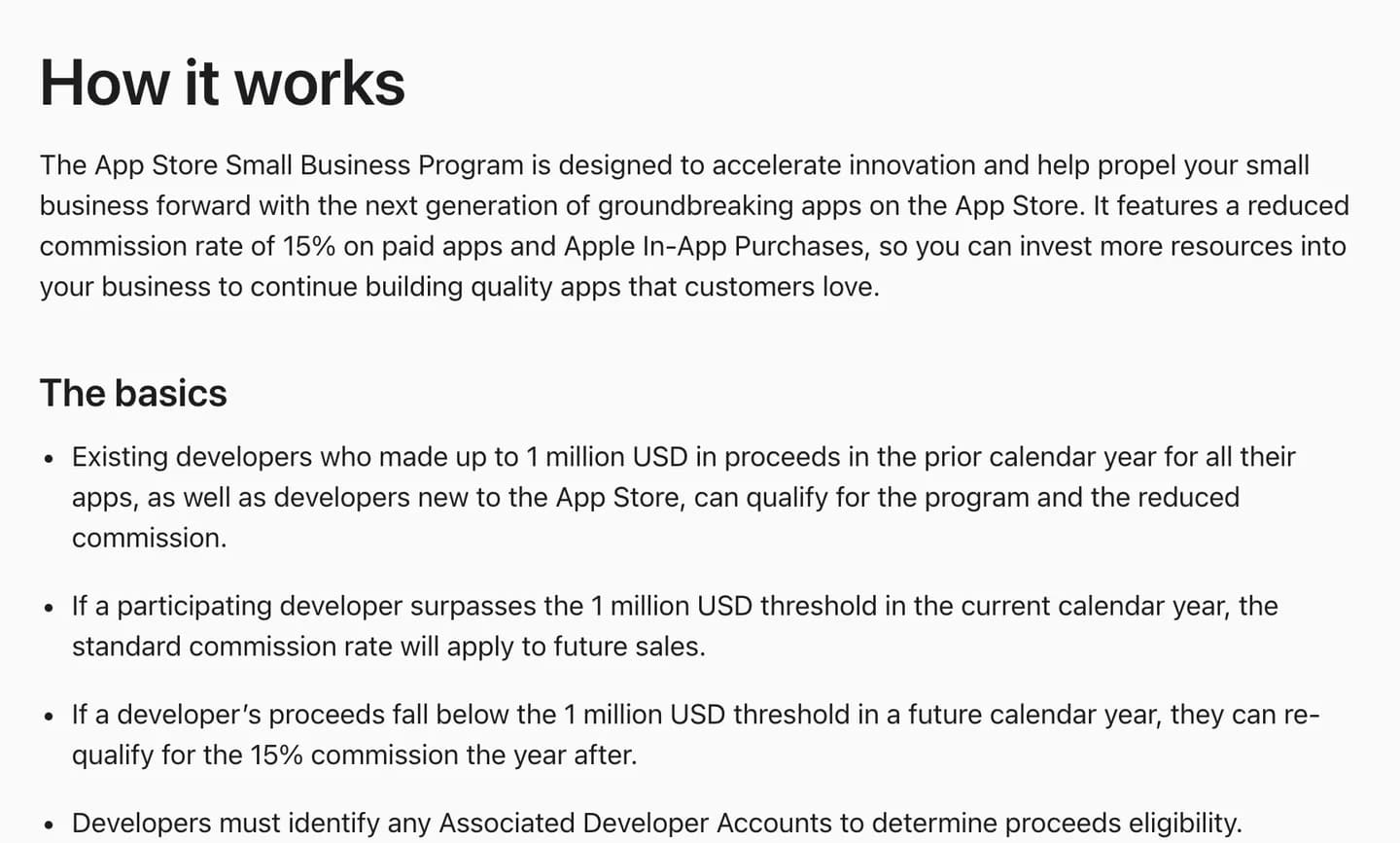
Apple's Small Business Program: 15% instead of 30% on your first million a year. You have to enroll. Source
Google split its fee into two parts on June 30, 2026 in the US, UK and EEA, as part of its settlement with Epic. There is now a service fee and a separate billing fee for using Google Play Billing. According to the Android Developers Blog, the service fee is 10% on your first $1 million in annual earnings and 10% on all auto-renewing subscriptions, and the billing fee is 5% in those regions. Other markets follow on a staggered timeline through 2027.
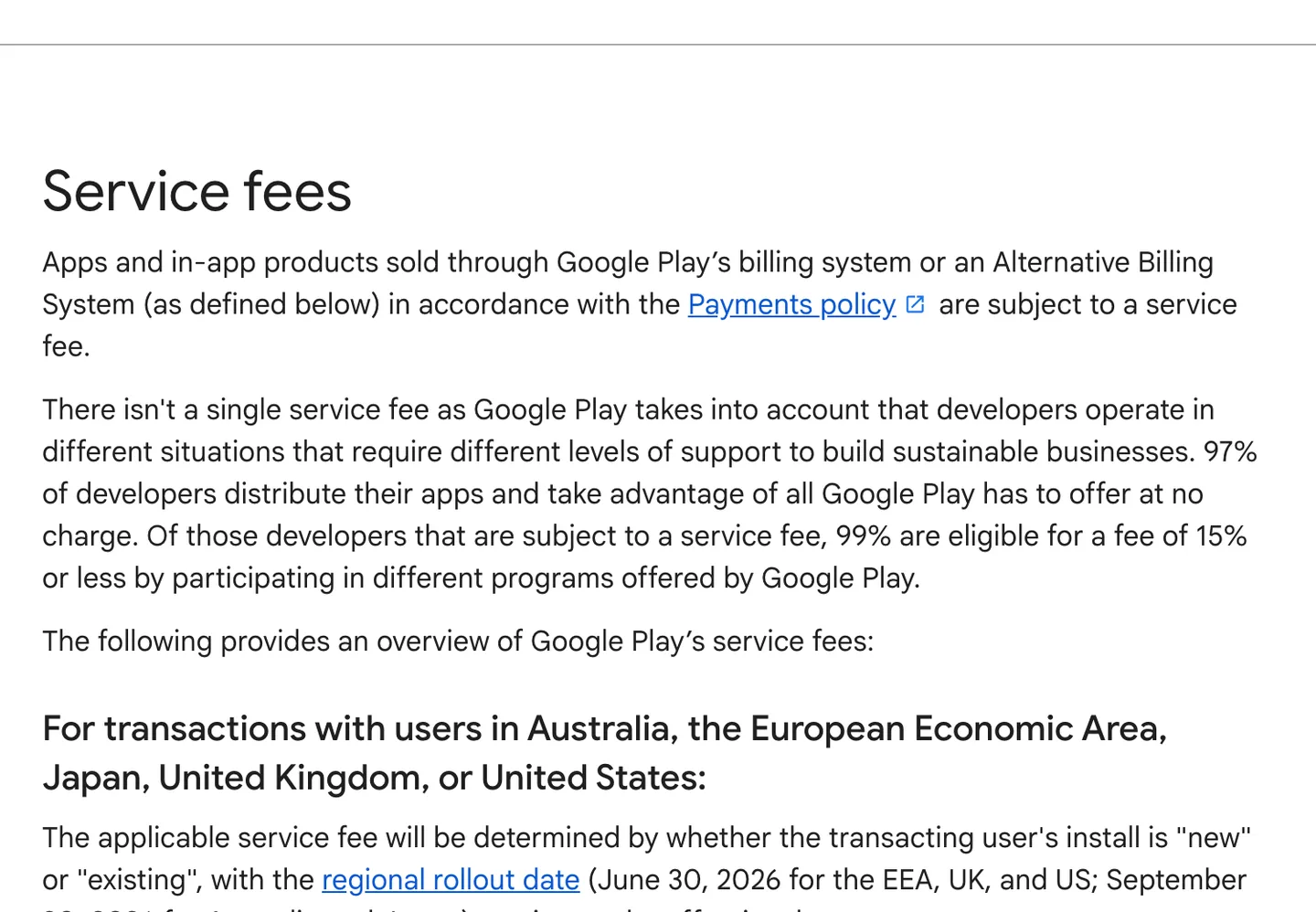
Google Play's service fee page as of October 2026. Source
The rates side by side (as of October 2026)
| Apple | Google Play (US, UK, EEA) | |
|---|---|---|
| Standard rate | 30% | Varies by install date and earnings, see Google's fee table |
| Small developer (under $1M) | 15% (Small Business Program, enroll) | 10% service fee + 5% billing fee (new installs; first $1M) |
| Subscriptions | 30% in year one, 15% after a year of paid service | 10% service fee + 5% billing fee |
| Subscriptions, small developer | 15% | 10% service fee + 5% billing fee |
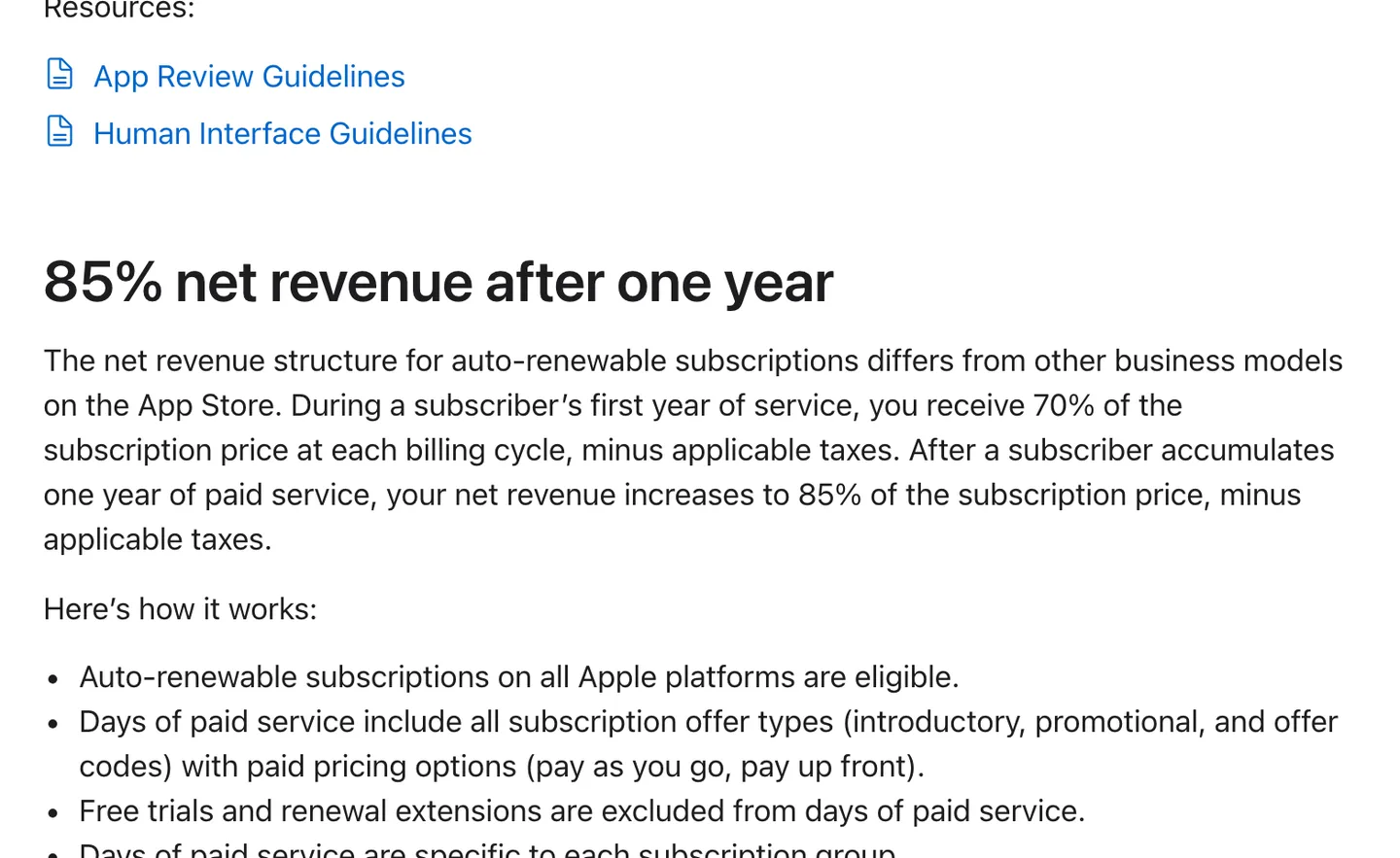
Apple's subscription terms: 70% in a subscriber's first year, 85% after a year of paid service. Source
For almost every first app, the practical answer is: budget 15% on both stores.
Linking out to the web in the US
Since the 2025 ruling in Epic v. Apple, apps on the US storefront may include buttons and links that send users to buy on your own website. The App Store Review Guidelines now say this directly in section 3.1.1(a); everywhere else, the old restrictions still apply outside specific entitlement programs.
What Apple may charge on those web purchases is still being fought over. In August 2026 Apple proposed a commission of 15%, or 5% for small businesses, to the district court, and Apple has taken its appeal of the contempt ruling to the Supreme Court, with briefing running through December. On Google Play, the billing fee does not apply to purchases through external web links, though the service fee does.
Pricing and paywall design that converts
This is the part that moves your number most, and the part first-time builders think about least. A good paywall at the right moment beats a clever pricing model shown too late.
The benchmarks below come from RevenueCat's State of Subscription Apps 2026, which covers more than 115,000 apps. RevenueCat runs subscription infrastructure for a large share of the market, so this is the best public dataset there is.
Show the paywall early
RevenueCat found that hard paywalls convert 10.7% of downloads to paid by day 35, against 2.1% for freemium, five times more, with nearly identical year-one retention. The same report says the first session is where users decide whether to pay and whether to stay: 55% of all 3-day trial cancellations happen on day 0.
The practical consequence: put the paywall at the end of onboarding, right after the user has told you what they want and seen a glimpse of the result. A paywall buried in Settings converts close to nothing because almost nobody goes looking for it.
That does not mean every app needs a hard paywall. If your app has no value until the user puts data in (a habit tracker on day one is empty), a short free experience followed by the paywall works better. But do show it during onboarding, and make it easy to reach again later.
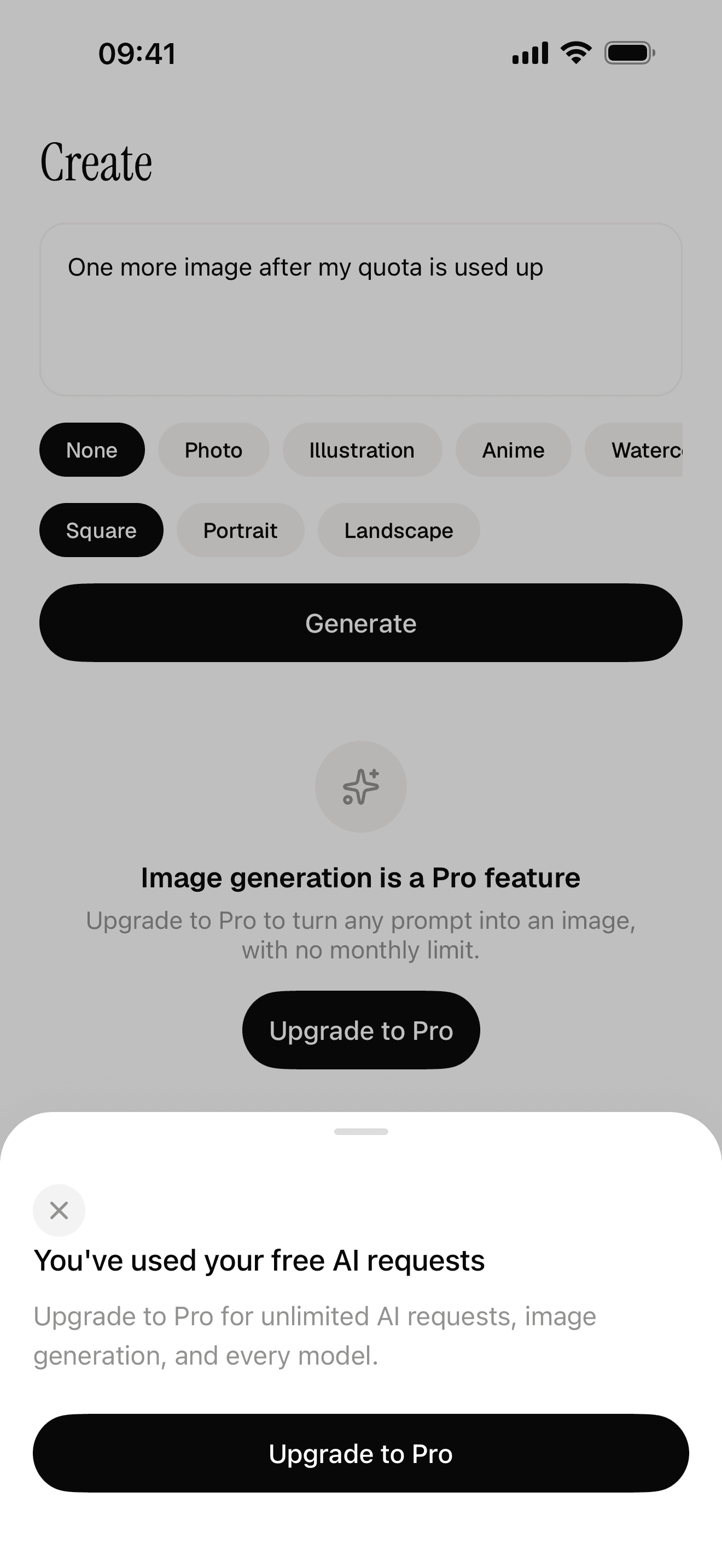
Free quota and a paywall the server decides
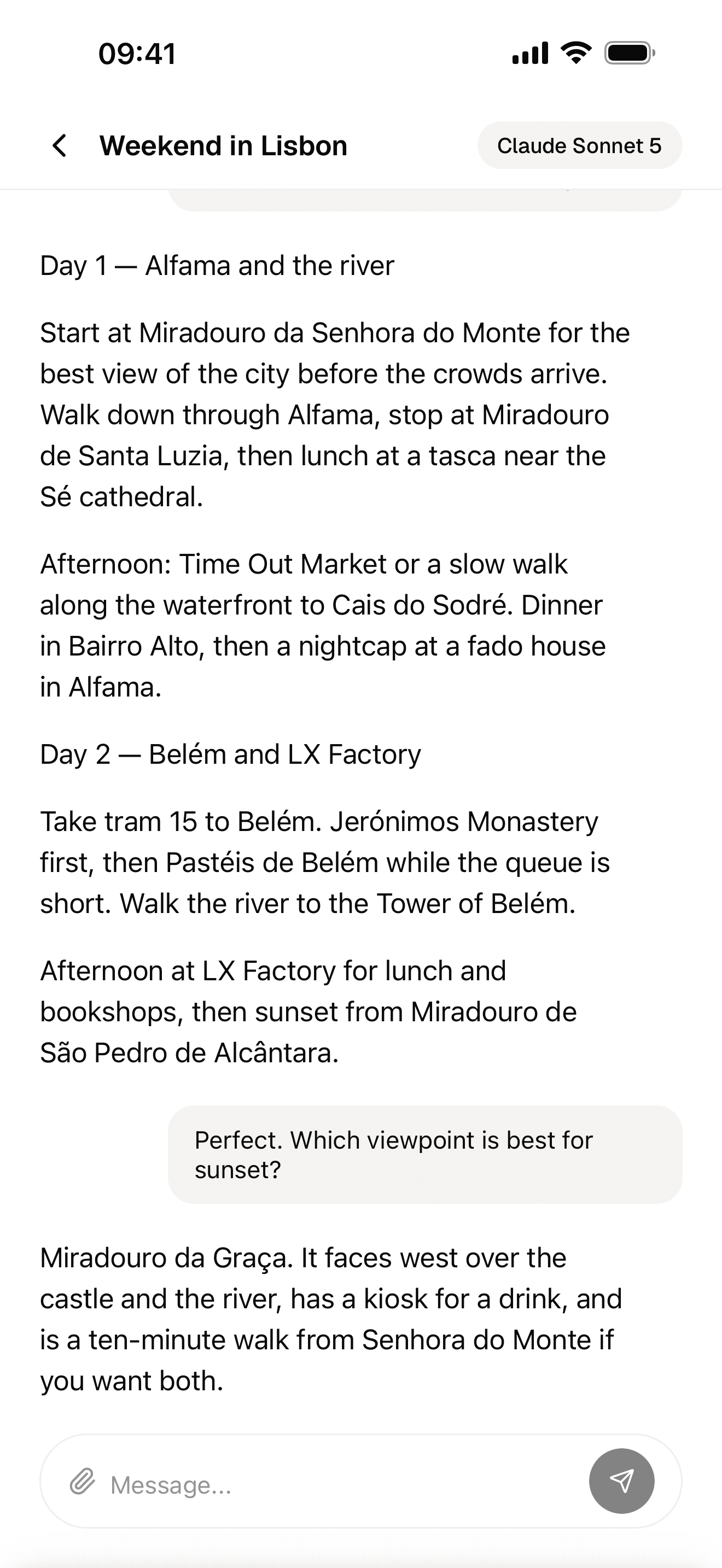
Streaming AI chat
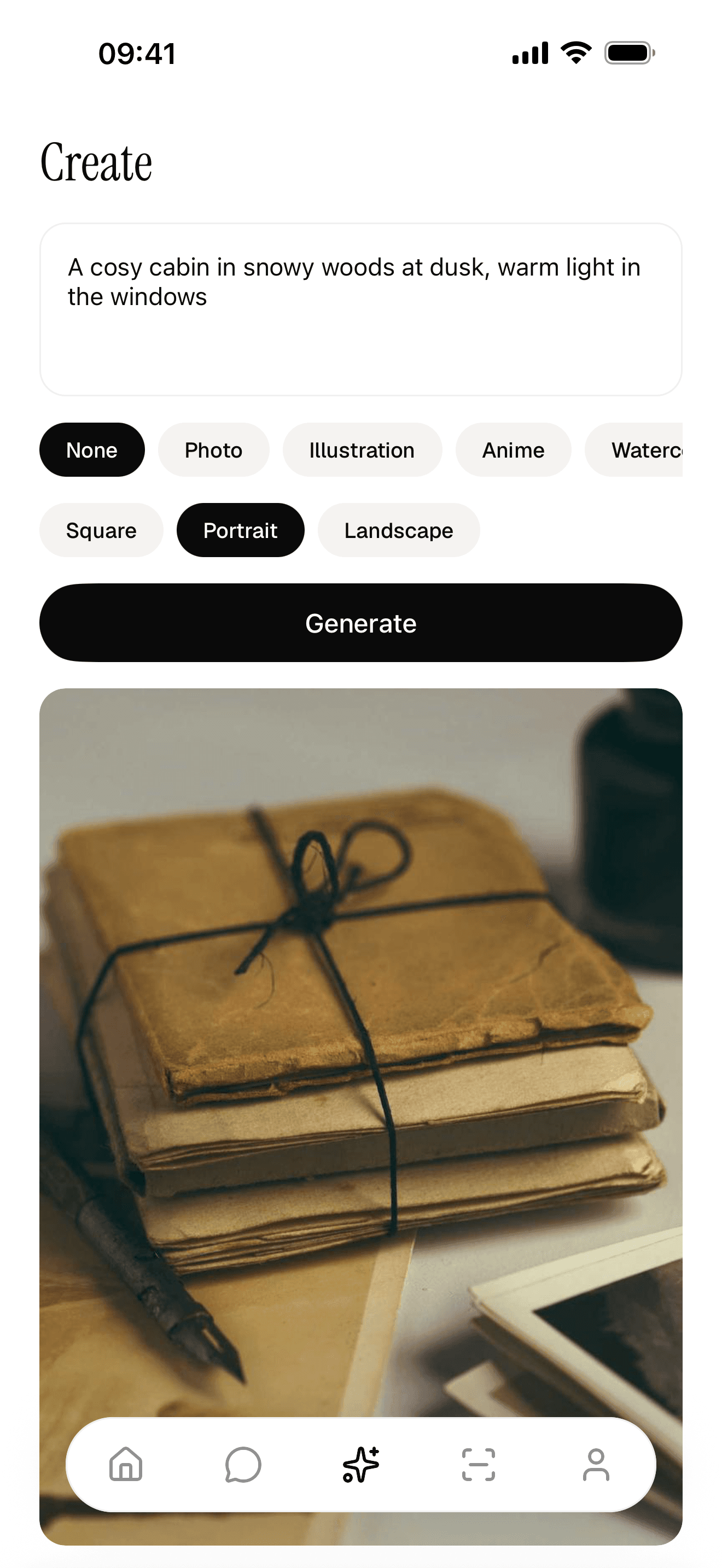
A generated result
Offer annual and monthly, and lead with annual
Two plans is the most common setup: according to the same report, 41% to 60% of apps (depending on category) offer exactly two. The common pattern is annual and monthly, with the annual plan selected by default and its price shown per month next to the monthly price.
Annual plans give you cash up front and fewer chances to churn. The tradeoff: RevenueCat reports that only 5% of annual subscribers come back after cancelling, while monthly subscribers return at four times that rate. Weekly plans are common in games and some utilities, but they read as aggressive in most other categories.
On price, the report puts the median annual plan at $34.80. That is a reference point, not a target. A niche app for professionals can charge several times that; a casual app may need less.
Trial length
Longer trials convert better: in RevenueCat's data, trials of 17 days or more converted at 42.5%, against 25.5% for trials of four days or less. Yet nearly half of apps use short trials. If your app delivers value over days (learning, fitness, habits), test a longer trial. If it delivers value in the first minute (a scanner, an image tool), a short trial or no trial is fine.
Apple requires the purchase screen to show how long the trial lasts and what the user will be charged afterwards. Follow that literally; App Review checks it.
Make the paywall honest
Show the price, the billing period, what the user gets, a restore purchases button, and links to your terms and privacy policy. Apple checks for all of them. Beyond review, a clear paywall converts better than a cluttered one, and it produces fewer refund requests.
Change the paywall without shipping an update
Your first paywall will not be your best one, and waiting for App Review every time you want to test a price is slow. Remote paywalls solve this. With RevenueCat, the offering (which products appear, in which order, which one is preselected) is set on their dashboard, and their Paywalls feature lets you change the whole screen remotely and test versions against each other.
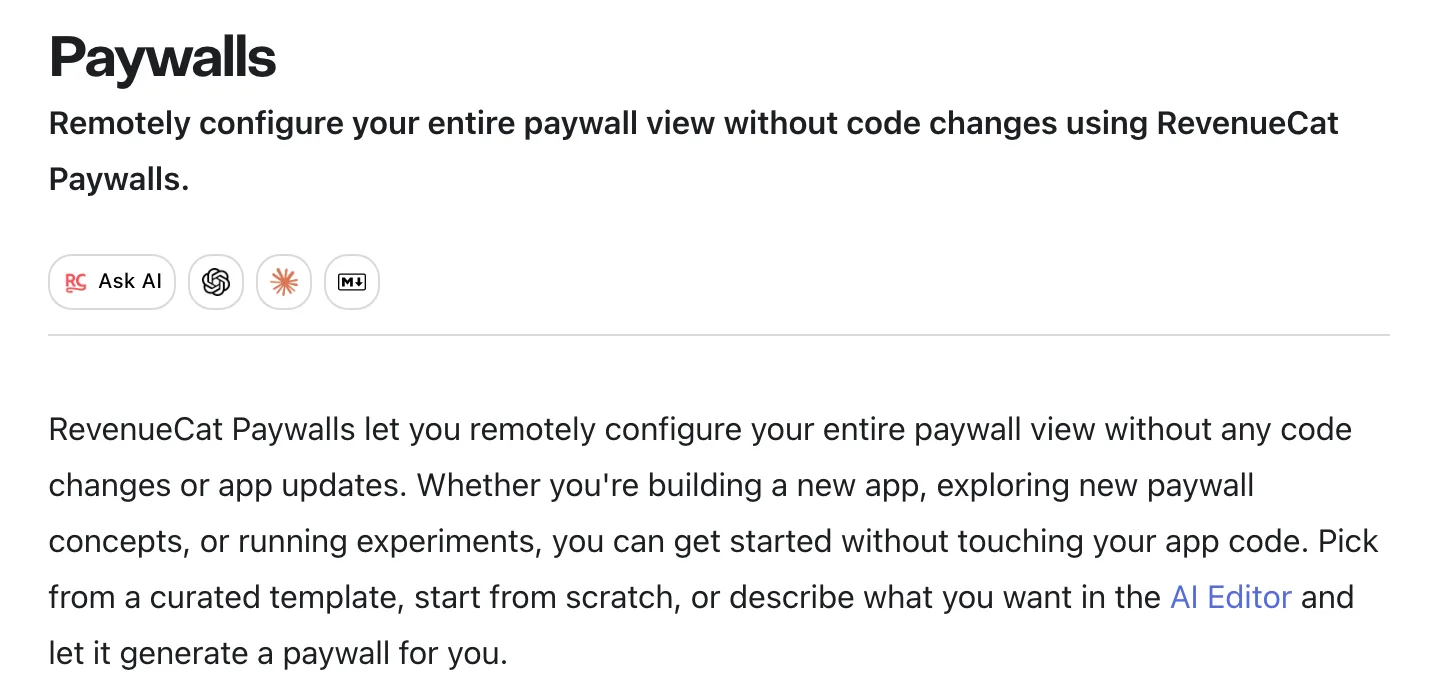
RevenueCat Paywalls: change the paywall and run experiments without an app update. Source
Test one thing at a time: the price, then the trial, then the plan order. Two weeks of data on a few hundred onboarding sessions tells you more about your app than any benchmark in this article.
Making money with an AI app
AI apps have a problem other apps do not: every free user costs you real money. Each chat message, image or scan is a paid call to a model provider, and provider prices vary widely by model, so there is no single number to plan around. Check your provider's pricing page for the models you use.
The upside is worth it. RevenueCat's report says AI-powered apps generate 41% more revenue per payer, but churn 30% faster. That means you need to cap costs for free users and give paying users a reason to stay.
The pattern that works:
- A free monthly quota. New users get a small number of generations or messages per month. Enough to see the value, not enough to cost you much.
- A paid tier that lifts the cap. Pro gets a much higher limit or unlimited use within a fair-use ceiling.
- The server decides who has paid. This is the part people get wrong. If your app checks the subscription on the phone and then calls the AI provider directly, anyone who patches the app gets free usage on your API key. The provider key must live on the server, and the server must check the entitlement and the quota before it calls the model.
- Credits for heavy users (optional). A consumable pack for the person who blows through even the Pro limit.
This is exactly how NativeExpress ships. The starter has three AI features (streaming chat, image generation and a scanner) running on Supabase Edge Functions. Your provider key never leaves the server. RevenueCat handles purchases and restore, and the server checks the entitlement before it allows a request. A free monthly quota with a Pro gate is already wired to all three features, and the payment code fails closed if the server key is missing. The payment docs walk through creating the store products.
Getting your first users
The App Store does not deliver users to a new app on its own, and a good paywall converts nobody if nobody opens the app. Builders who make money usually treat distribution as half the job and start it before launch.
App Store search
Search is the biggest channel you get for free. Apple says 70% of App Store visitors use search to discover apps, and almost 65% of downloads happen directly after a search (Apple's 2022 figures, the latest it publishes). Showing up for the right searches is called App Store optimization, ASO for short.
Apple is fairly open about what decides ranking: text relevance from your app name, subtitle, keywords and primary category, plus user behavior such as downloads, ratings and reviews.
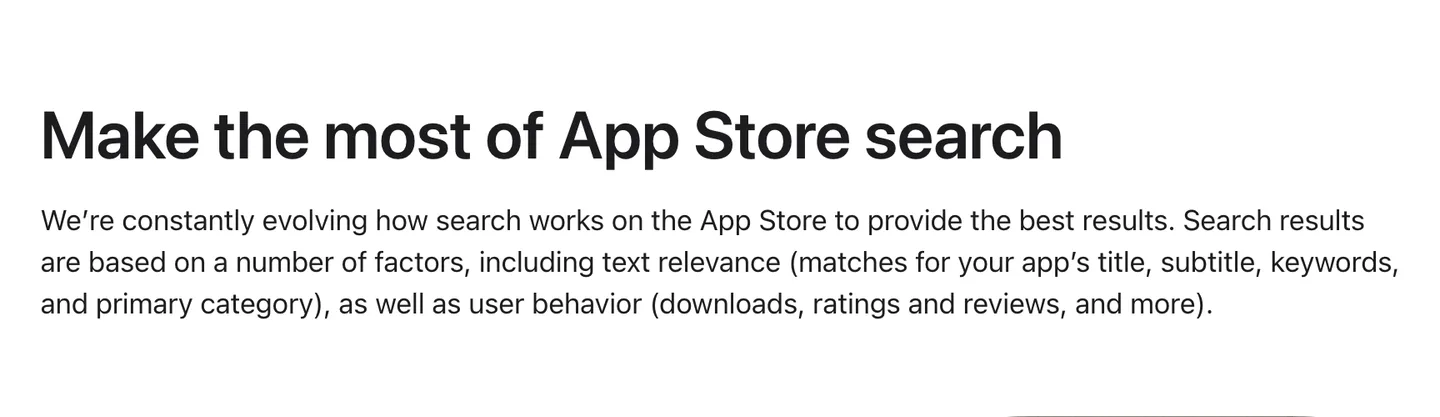
Apple's own description of how App Store search ranks apps. Source
What to do with that:
- Put the main search term in the name or subtitle. Both are limited to 30 characters. A subtitle like "Count calories from a photo" tells search and people what the app does; a clever slogan tells neither.
- Use the keyword field for everything else. Apple allows 100 characters, comma separated with no spaces, so do not waste them on words already in the name.
- Make the first screenshots sell. Apple notes the first one to three screenshots can appear right in search results, so they should show the result your app delivers, with a short caption.
- Ask for ratings at a good moment, after the user gets a result, not at first launch. Ratings feed both ranking and the decision to tap.
A narrow app has an easier time here. Ranking for "calorie tracker" against apps with years of downloads and ratings is close to impossible for a new app; ranking for a longer, more specific search is not.
Content and short video
The second free channel is content about the problem your app solves. Short videos on TikTok, Instagram Reels and YouTube Shorts that show the app doing the thing are a common launch channel for indie apps, because one post can reach people who have never heard of you. Blog posts and YouTube videos that answer searches in your niche are slower but keep sending users for years.
Show the problem, show the app solving it in a few seconds, put the link in your profile, and post often. Most posts will do nothing and a few will carry the month.
Communities
Your first 100 users probably sit in a few subreddits, Discord servers or forums. Be a member before you are a promoter: most communities ban drive-by self-promotion, so read the rules, answer questions, and share the app when it answers someone's question. Users from communities also give the most honest early feedback.
Paid ads, once you know what a user is worth
Ads are the fastest way to get users and the fastest way to lose money. Apple's own ads appear in App Store search: Apple Ads Basic charges per install at a maximum price you set, Advanced charges per tap, and eligible new developers get a $100 credit to start. Meta and TikTok ads are the other common option, and suit apps whose result shows well in a short video.
Run ads only once you know roughly how many installs turn into paying users and how much a subscriber pays you after the store cut. If an install costs more than it earns over a few months, more ad spend just loses money faster.
Measure where users come from
App Store Connect shows where your downloads came from: App Store search, App Store browse, links from other apps, and links from websites.
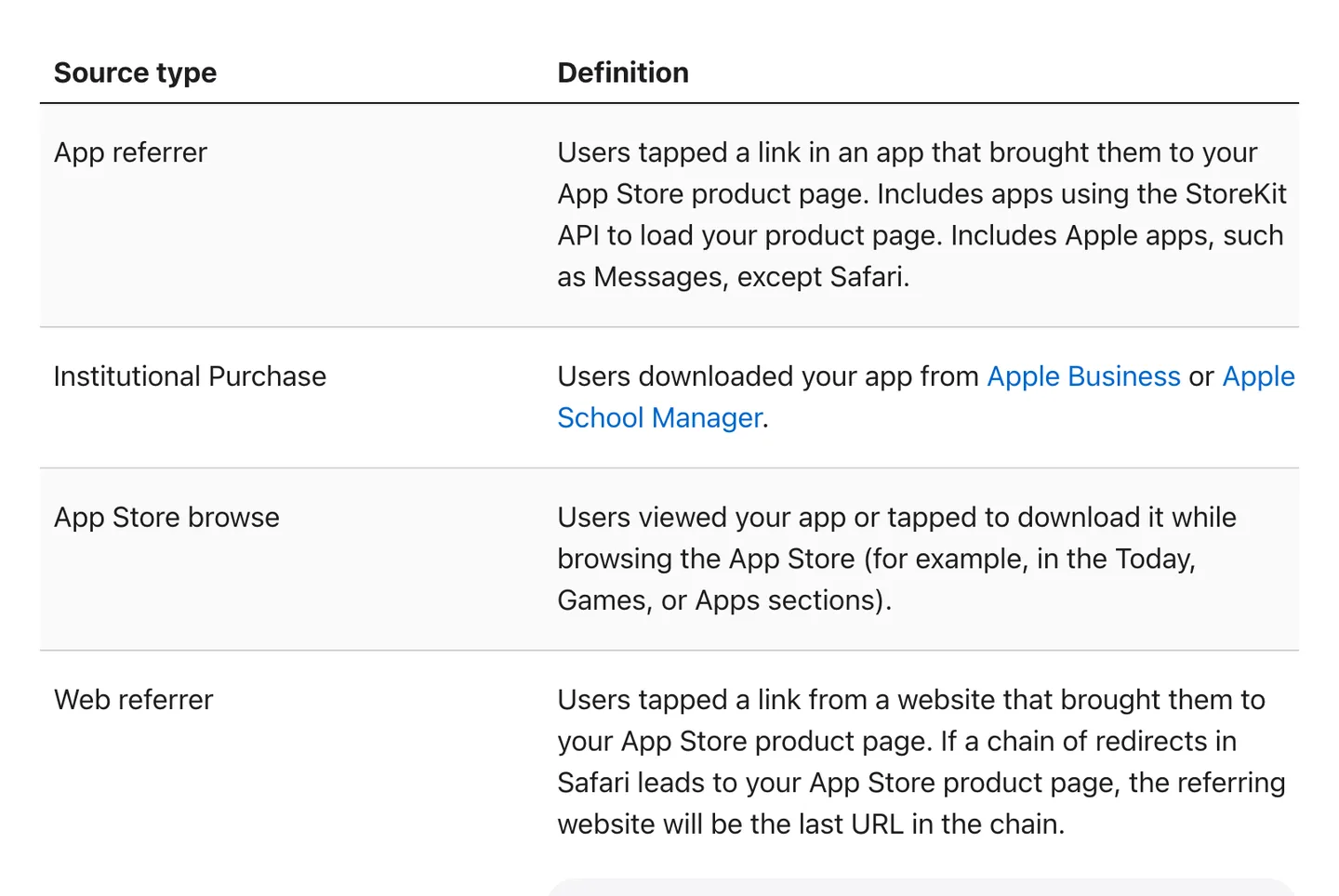
App Store Connect splits downloads by source, so you can see which channel brings users. Source
For your own channels, use campaign links: an App Store link with a campaign token, one per channel. Analytics then shows downloads, sales and subscriptions for each one, so a TikTok bio link and a Reddit post stop blurring into the same referrer bucket. Put most of your time into the one channel that brings paying users, not the one with the most downloads.
How much money can you make owning an app?
Here is the honest part. Most apps earn very little.
RevenueCat's data shows that one year after launch, the median subscription app makes about $72 a month. The top 10% make over $2,500 a month, a 36 times gap. Only 4.6% of apps reach $10,000 in monthly revenue within two years. The same report shows new subscription app launches went from about 2,000 a month in January 2022 to more than 14,700 a month by January 2026, so the field is getting more crowded, not less.
These are apps that already set up subscriptions with a serious tool, which skews the sample toward builders who intend to charge. The full population of apps does worse.
That is not a reason not to build. It is a reason to think about the things that separate the top 10% from the median.
What moves the number
A specific niche. As in step 1: a narrow app is easier to rank, easier to explain and easier to charge for.
Distribution you control. A channel you own (an audience, a community you belong to, content that ranks) keeps sending users after launch week. The section above covers how to start one.
Onboarding. Since users decide in the first session, the onboarding flow is your sales page. Ask what they want, show the result quickly, then show the paywall.
Shipping and iterating. In our experience, the apps that keep testing the price, trial and plan order find more revenue than the ones that set the paywall once and leave it.
Two real apps
These are both apps shipped by NativeExpress customers. We do not know their revenue and will not guess.

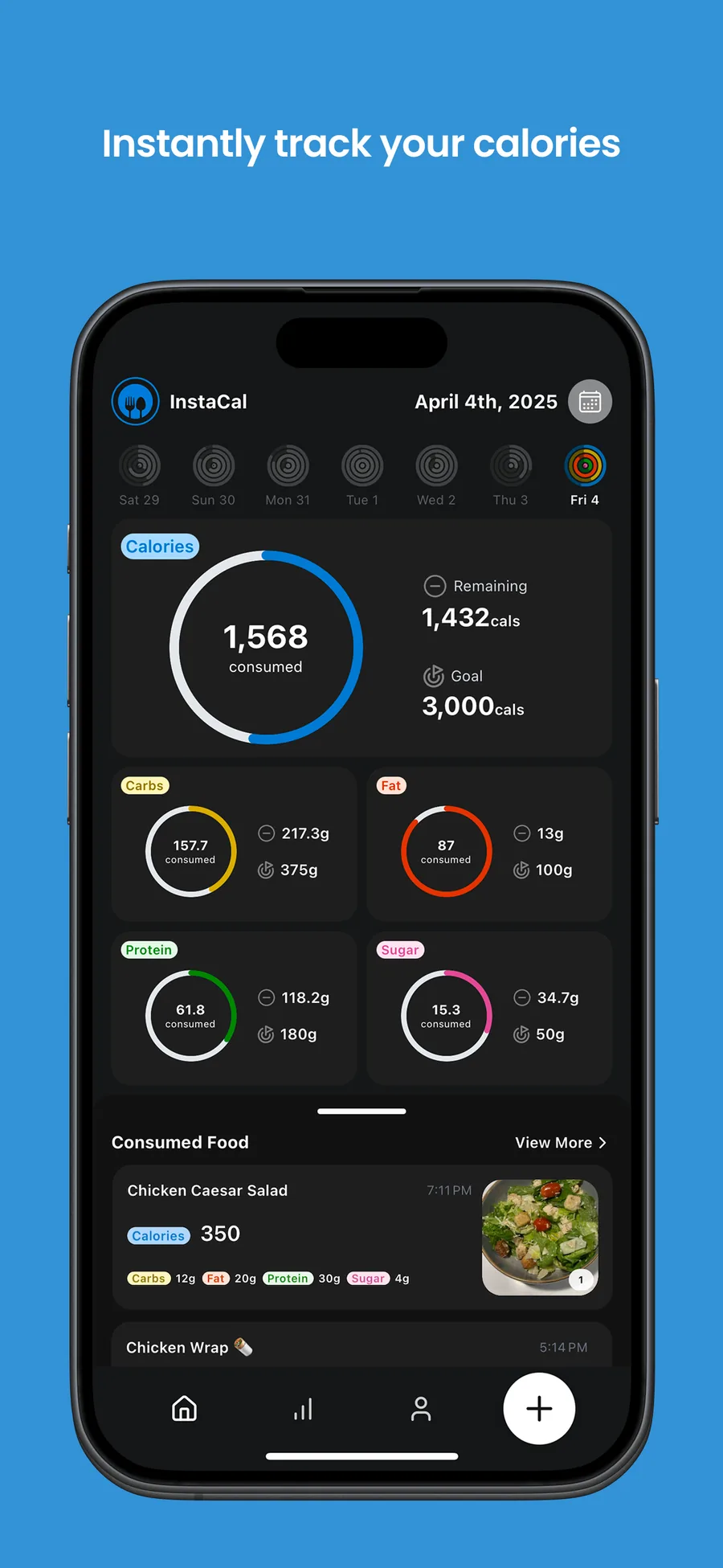
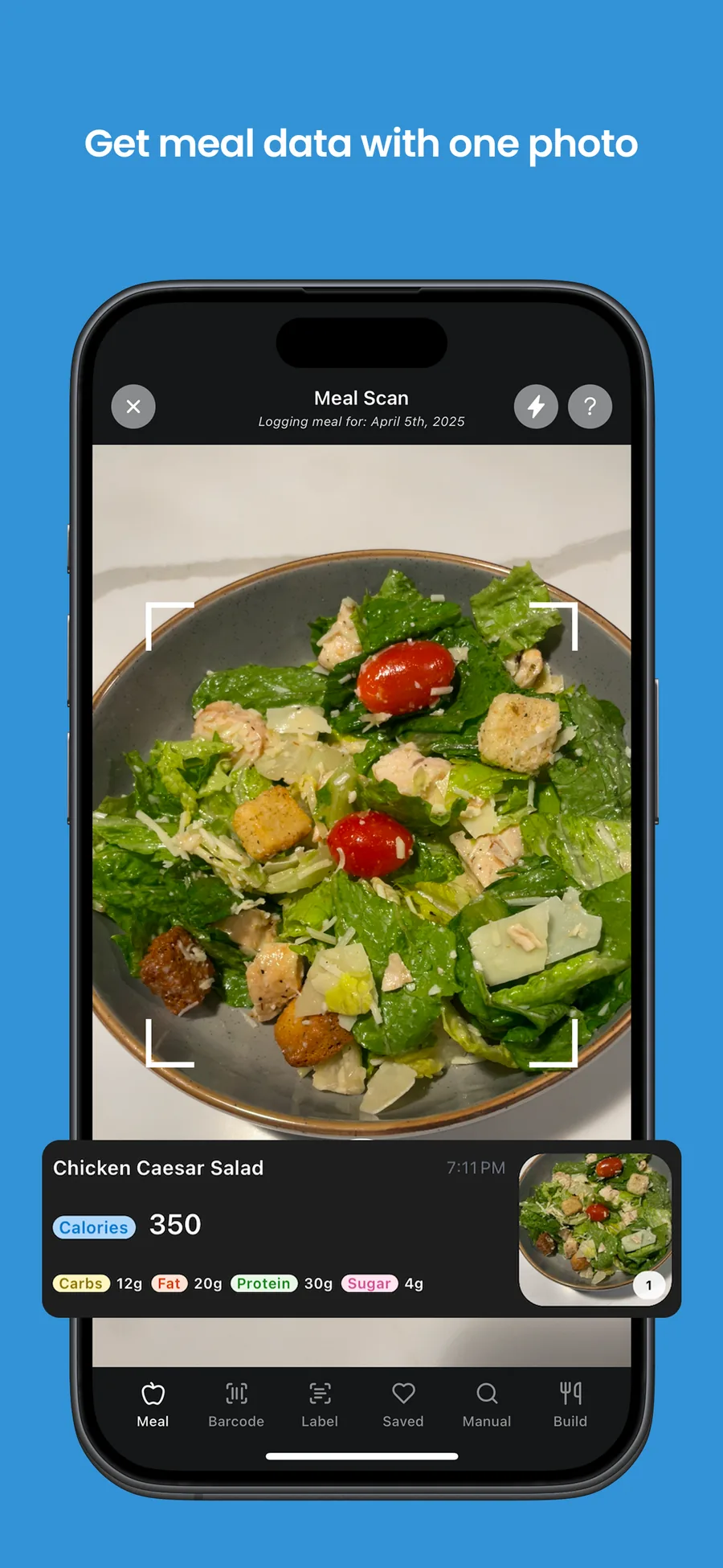
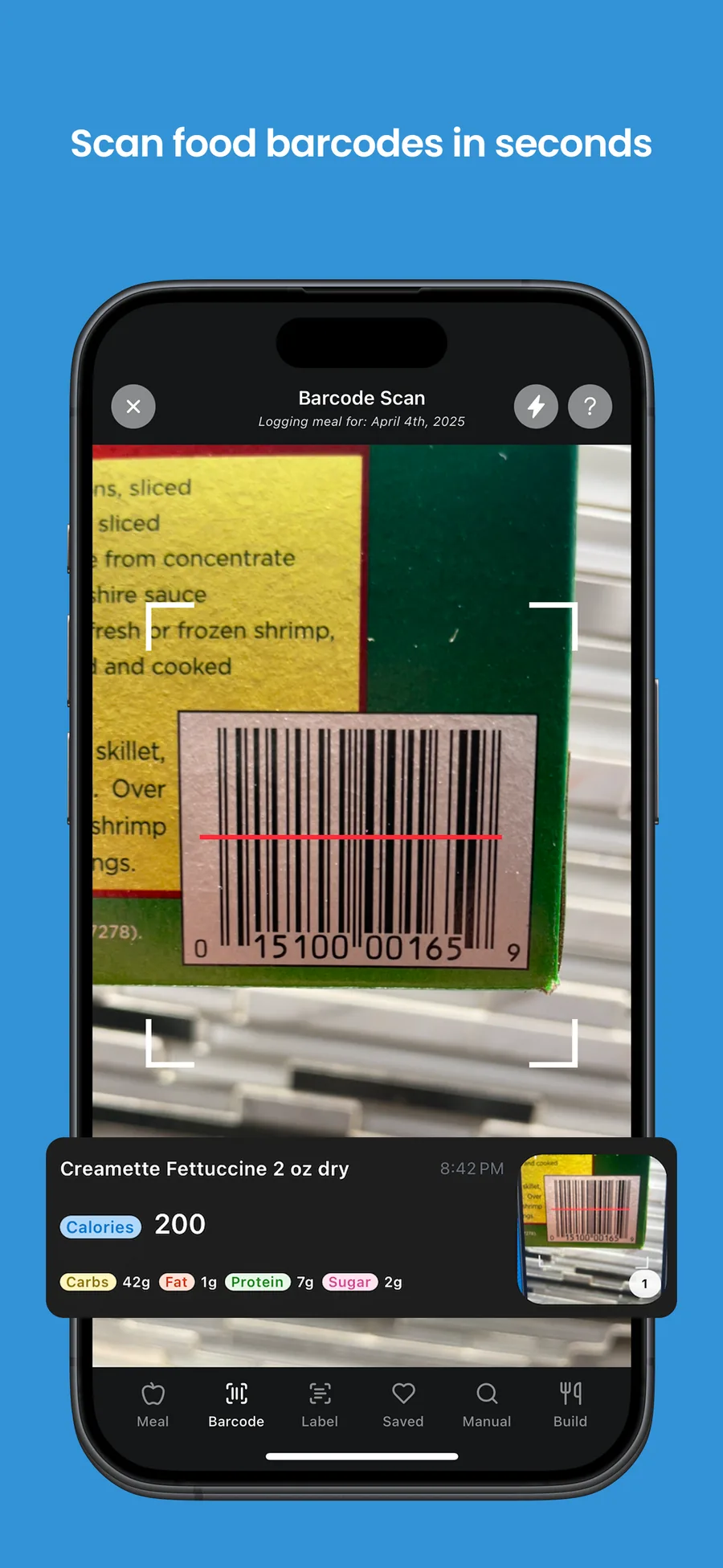
InstaCal does one thing in a crowded category, calorie tracking, but starts from a photo of the plate rather than a search box. That is the niche: an AI feature that removes the most tedious part of the job.

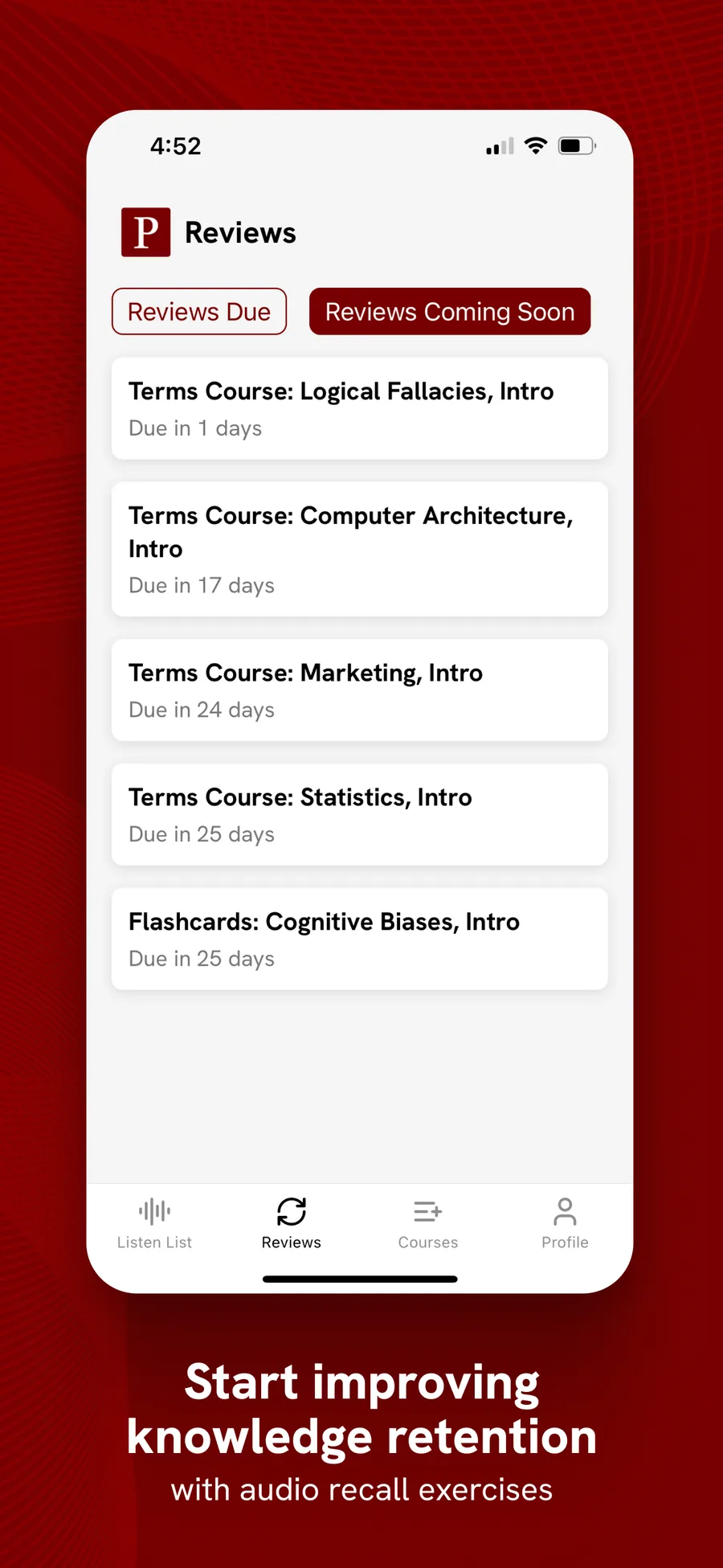
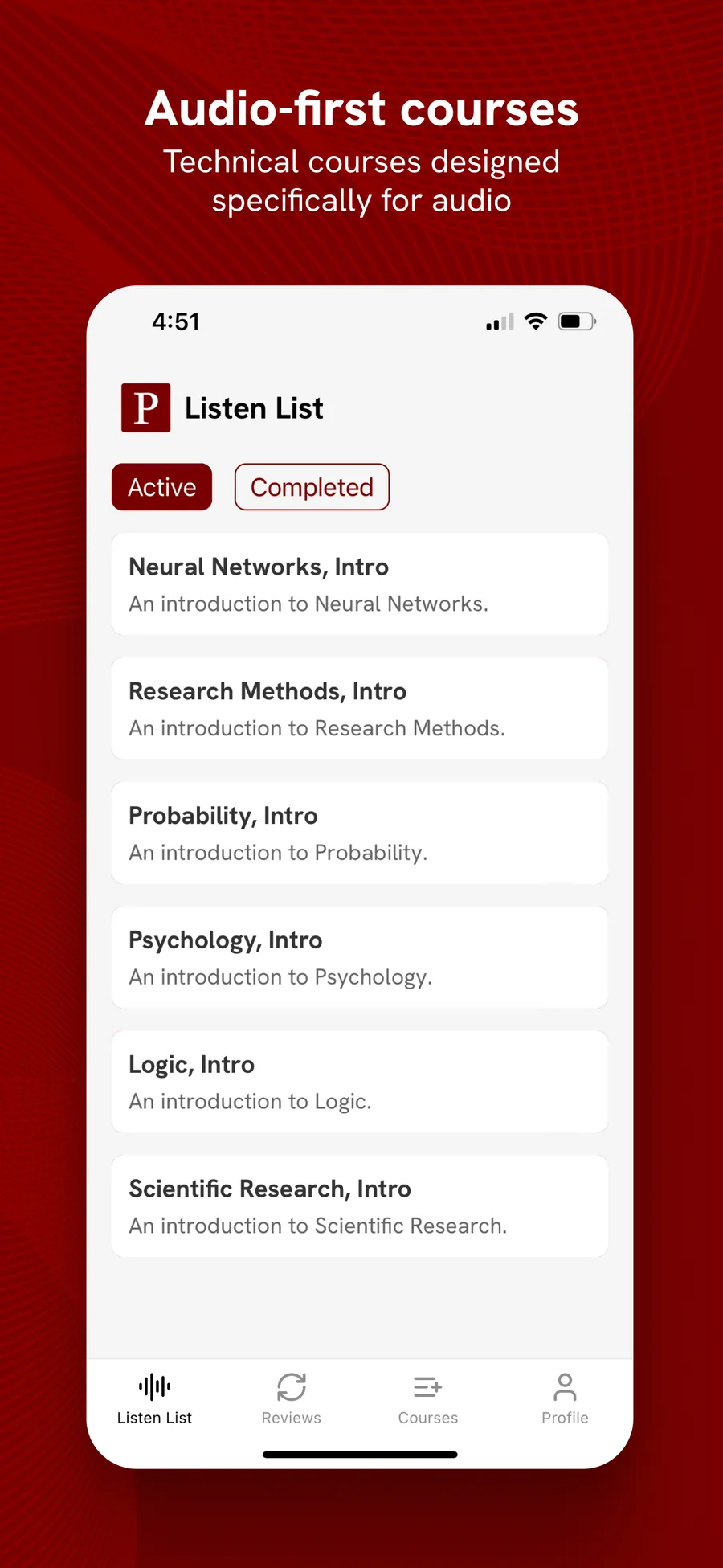
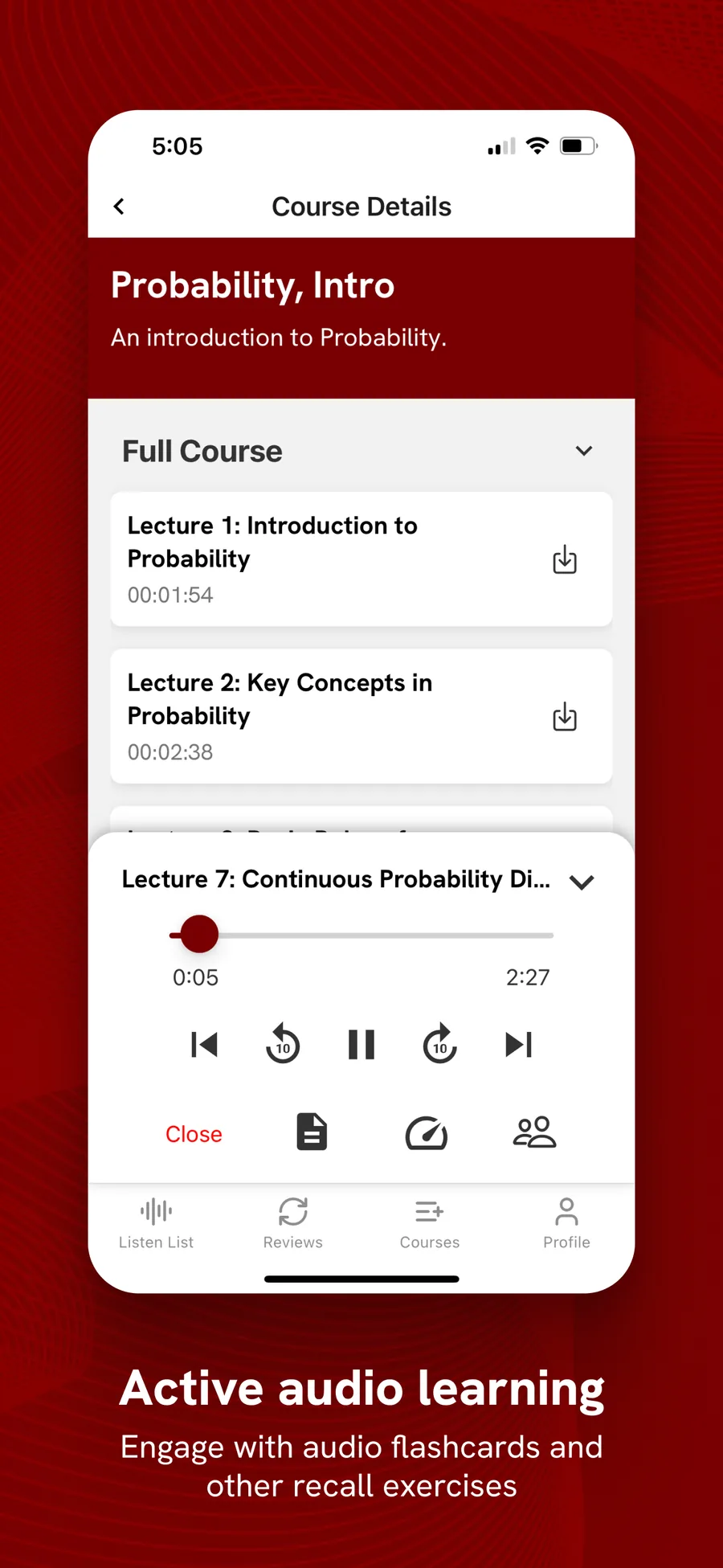
Polym turns technical subjects into audio courses. It is a learning app, a category where people come back over weeks, which suits a subscription. Its founder put it this way:
NativeExpress was exactly what I needed, allowed me to launch a fairly complex mobile app in 3 months.
 Matthew L.Founder of PolyM
You can browse more apps shipped on NativeExpress. When yours is built, our guide to publishing on the App Store covers review and release on both stores.
A simple plan for your first app
- Pick a narrow problem people already pay to solve, and write down where the first 100 users will come from.
- Build the smallest version with a coding agent and a starter kit. Keep your spend low until the app proves itself.
- Charge a subscription with a monthly and an annual plan. Add credits only if you have heavy per-use costs.
- Enroll in Apple's Small Business Program and plan on 15% to the stores.
- Put the paywall at the end of onboarding. If the app uses AI, give a small free monthly quota and enforce it on the server.
- Put your main search term in the app name or subtitle, start posting where your users are, and track each channel with campaign links.
- Watch the conversion numbers in RevenueCat and change one thing at a time.
FAQ
Can I make money by creating an app?
Yes, and individuals do it every year, but most apps earn little. RevenueCat's State of Subscription Apps 2026 puts the median subscription app at about $72 a month a year after launch, while the top 10% make over $2,500 a month. Your odds go up with a narrow problem people pay to solve, a low build cost, a paywall in onboarding and a distribution channel you start before launch.
Do app owners make money?
Some do, and the income is very uneven. A small share of apps take most of the revenue: only 4.6% of the subscription apps in RevenueCat's data reach $10,000 a month within two years. Owners who make money usually treat the app as a small business, with marketing and pricing work after launch, rather than something that sells itself once it is in the store.
Can you make $100 a day with an app?
That is about $3,000 a month, which puts an app above the top 10% threshold in RevenueCat's 2026 data one year after launch. It is possible, but fewer than one in ten subscription apps in that dataset get there in their first year. At a $35 annual plan with 15% to the store, it takes over 1,200 annual subscribers.
Do I need an LLC to start an app?
No. Apple lets you enroll as an individual, and your legal name then appears as the seller on the App Store. An organization account needs a registered legal entity and a D-U-N-S number. Whether a company makes sense for liability or tax reasons depends on where you live, so ask an accountant or lawyer; this is not legal advice.
How much money can you make owning an app?
Anything from nothing to millions, but the typical result is small. RevenueCat's 2026 data puts the median subscription app at about $72 a month one year after launch, with the top 10% above $2,500 a month. Niche, distribution and a well-placed paywall are what separate the two.
How do free apps make money?
Most "free" apps that make money are free to download, not free to use. They earn through a subscription or one-time upgrade behind a paywall (freemium), in-app credits, or ads. Ads only pay well at very large scale, so smaller free apps usually rely on a paid upgrade.
How much does an app with 100k downloads make?
It depends almost entirely on what share of those users pay and how much. With a subscription, revenue is downloads times download-to-paid conversion times price, minus the store cut and churn. RevenueCat found conversion ranges from about 2% for freemium to over 10% for hard paywalls, so two apps with the same downloads can differ by five times or more. An ad-only app with 100k downloads typically earns far less than one with a subscription.
Do subscriptions or ads make more money?
For most apps, subscriptions. A single subscriber at a modest annual price usually pays more than a typical user earns you in ads over a year, and subscriptions do not make the app worse to use. Ads can make sense as a supplement for a free tier in apps with very large, highly engaged audiences.
What percentage does Apple take?
Apple's standard commission is 30%. It drops to 15% if you enroll in the App Store Small Business Program (under $1 million in annual proceeds), and to 15% on subscriptions after a subscriber completes a year of paid service. For most first-time developers, the effective rate is 15%.