
How to Make an App in 2026: A Guide for First-Timers

To make an app, decide whether it should be a web app, a mobile app or both, check that people actually want it, choose a route (an AI app builder, a coding agent on a starter project, or hiring someone), build it in small steps, test it with real users, publish it, and decide how it earns money. With today's coding agents you can do all of it without prior experience.
That is the short version. This guide is the map: what each step involves, where first-time makers usually go wrong, and which of our deeper guides to read next. If you already know you want an iPhone app, skip to how to make an iPhone app, which has the step-by-step commands. For Android, read how to make an Android app.
How to make an app: the seven steps
- Decide what you are building: a web app, a mobile app, or both.
- Validate the idea before you write code.
- Choose how you will build it.
- Build it, one small, checkable piece at a time.
- Put it in front of real users.
- Launch it on the web or in the App Store and Google Play.
- Make it earn.
Most people who search "how to create an app" spend all their attention on step 4. In our experience, first apps fail at steps 2 and 7 far more often, because coding agents have made the code itself the quickest part to get done.
Step 1: Decide what you are building
"App" means two different things, and the choice changes everything that follows.
A web app runs in a browser. You publish it by putting it on a server, nobody reviews it, and you can change it ten times a day. People find it through search and links.
A mobile app is installed from the App Store or Google Play. It can use the camera, send push notifications, sit on the home screen, and charge through the store's own payment sheet, which many people trust more than a card form. It also has gatekeepers: Apple and Google review it, take a cut of digital sales, and charge a developer fee.
| Web app | Mobile app | |
|---|---|---|
| Where it runs | Any browser | Installed on iOS and Android |
| Who approves it | Nobody | Apple and Google review every release |
| Fees to publish | Hosting only | $99 a year for Apple, $25 once for Google |
| Best for | Tools used at a desk, B2B, content | Habits, camera, location, daily use, subscriptions |
| How people find it | Search, links, ads | Store search, plus everything a web app uses |
A good test: will people use it several times a week, on their phone, away from a desk? Calorie tracking, workouts, language practice and journaling all pass that test. An invoicing dashboard or a data tool usually does not.
The line between the two is blurrier than it used to be. A web app saved to an iPhone's home screen can now receive push notifications: WebKit added Web Push for Home Screen web apps in iOS and iPadOS 16.4. Still, the user has to add it to the home screen themselves, and it does not appear in the App Store.
What you cannot do is wrap your website in an app shell and expect Apple to accept it. The App Review Guidelines say it directly:
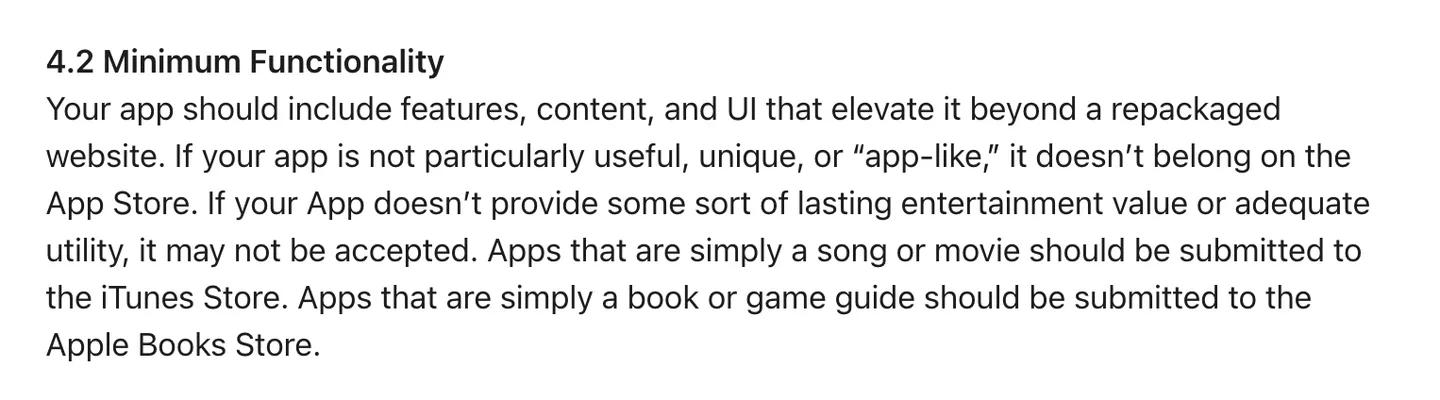
Guideline 4.2: "Your app should include features, content, and UI that elevate it beyond a repackaged website." Source
If you want both, you do not have to build twice. React Native renders real native views on iOS and Android from one TypeScript codebase, and much of the logic can be shared with a React web app. If you are a developer weighing that, read React vs React Native.
Step 2: I have an app idea, where do I start?
Start by finding out whether anyone besides you wants it. This is the cheapest step and the one most often skipped, because building feels like progress and asking feels like rejection.
Paul Graham's essay on startup ideas opens with the most useful sentence on the subject, and the paragraph below it names the most common mistake:
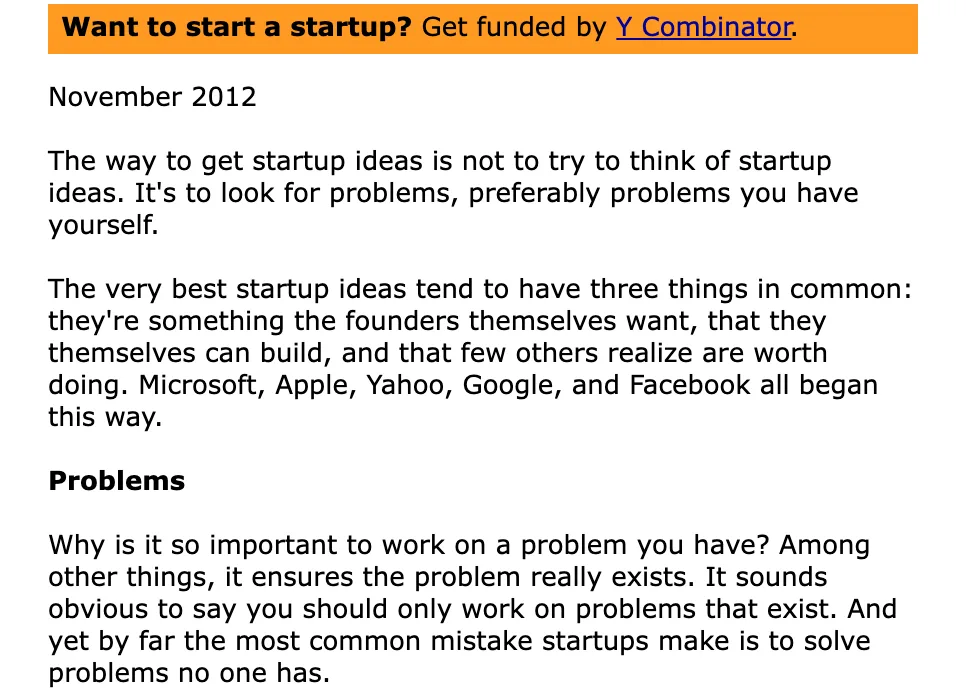
From "How to Get Startup Ideas" (November 2012): "by far the most common mistake startups make is to solve problems no one has." Source
For an app, validation does not need a survey platform or a business plan. A week of this is enough to know whether to keep going:
- Write the one-sentence version. Who it is for, and the one thing it does for them. "A calorie tracker that starts from a photo of your plate" is an app. "A health app" is not.
- Talk to five people who have the problem. Ask how they deal with it today and what they have already tried. Do not ask whether they would use your app; almost everyone says yes to be polite.
- Look at what already exists. Search the App Store and Google Play for your category. Read the one and two star reviews of the leaders. Complaints that repeat are your feature list.
- Make a landing page and a waitlist. Describe the app, show a mockup, collect emails. If you cannot get 20 strangers to sign up, the store will not do it for you either.
Existing competitors prove there is demand, so finding some should reassure you. Apple will still push back on an app that is just one more copy. Guideline 4.3(b) names the categories it considers full:
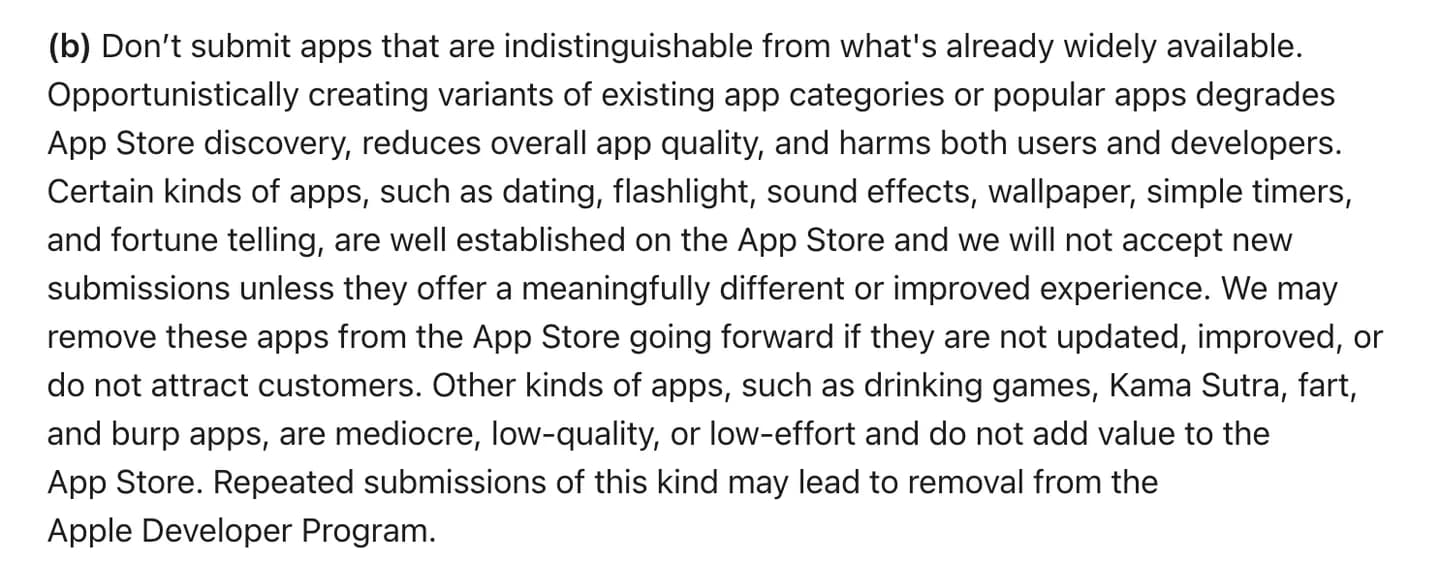
Apple will not accept new dating, flashlight, wallpaper or simple timer apps "unless they offer a meaningfully different or improved experience." Source
So pick an angle a big general app does not serve well: a specific audience, a specific moment, a specific input. If you are still looking for the idea itself, we collected ones that fit a first build in app ideas.
Step 3: Choose how you will build it
There are three real routes for a first-time maker. Which one fits depends on your budget, how much control you want over the result, and whether you plan to keep working on the app for years.
| AI or no-code app builder | Coding agent on a starter project | Hire an agency or freelancer | |
|---|---|---|---|
| What you do | Describe screens, click, prompt | Prompt an agent, make decisions, test on your phone | Write a spec, review, pay |
| Who owns the code | Varies, often the platform | You, in your own repo | You, if the contract says so |
| Cost | Free tier, then a monthly plan | One-time kit, plus store and service fees | Thousands to tens of thousands |
| Speed to first version | Hours | Days to weeks | Months |
| Where it struggles | Outgrowing the platform, native features, payments | You still have to learn the tools and steer | Every change after launch is another invoice |
AI and no-code builders such as Lovable, Bolt, Rork or FlutterFlow are the fastest way to see your idea on a screen. Many have a free tier; Lovable's, for example, gives you 5 build credits a day, up to 30 a month. They are a good way to prototype and to test demand. The questions to ask are whether you can export the code, whether the output is a native app or a web page in a frame, and whether it can take in-app payments. We compare them in the best AI app builders and the best mobile app builders.
A coding agent on a starter project is the route we recommend for most people who want a real product. Claude Code, Codex or Cursor writes the code; you own every line of it in your own GitHub repo, and nothing stops you from changing anything later. The agent does far better when it starts from a project that already runs than from an empty folder, because sign-in, payments and builds are where agents (and people) lose weeks.
Hiring makes sense if you have money and no time, or if the app is mostly a business process you understand better than you understand software. Clutch, which collects reviews of agency projects, says most mobile app projects on its platform fall between $10,000 and $49,999, with a typical timeline of about 11 months. We break down every route's costs in how much does it cost to make an app.
Step 4: How to build an app with no experience
The skill that matters now is not typing code. It is running a tight loop with a coding agent and judging the result. Here is the loop:
- Write a short brief in the repo. Who the app is for, the core screen, the tone, what is out of scope. Agents read it before every task.
- Ask for one thing. One screen or one behavior per prompt. "Add a history screen that lists the last 30 meals with date and calories" beats "build the rest of the app."
- Look at it on your phone. With React Native and Expo the app reloads on save, so you see the change in seconds without reading the code.
- Tell the agent what is wrong, concretely. Paste the actual error message. Describe what you expected and what happened.
- Commit when it works. Then a bad change costs you one revert, not an evening.
Repeat that a few hundred times and you have an app. The order matters too: decide the data model (what you store and who can see it) before you build the screens, because a wrong table is expensive to fix later.
What the agent cannot do for you: sign in to Apple, Google and your backend provider, decide what the paywall offers, test on a real phone, or know when a screen feels wrong. That is your job, and it is the part that makes the app good.
That plumbing is why we built NativeExpress. It is a React Native and Expo app you buy once and own: full source on GitHub, iOS and Android, with sign-in, RevenueCat subscriptions, three AI features and store builds already working, plus agent skills that explain the codebase to Claude Code, Codex, Cursor and other agents before they write anything.
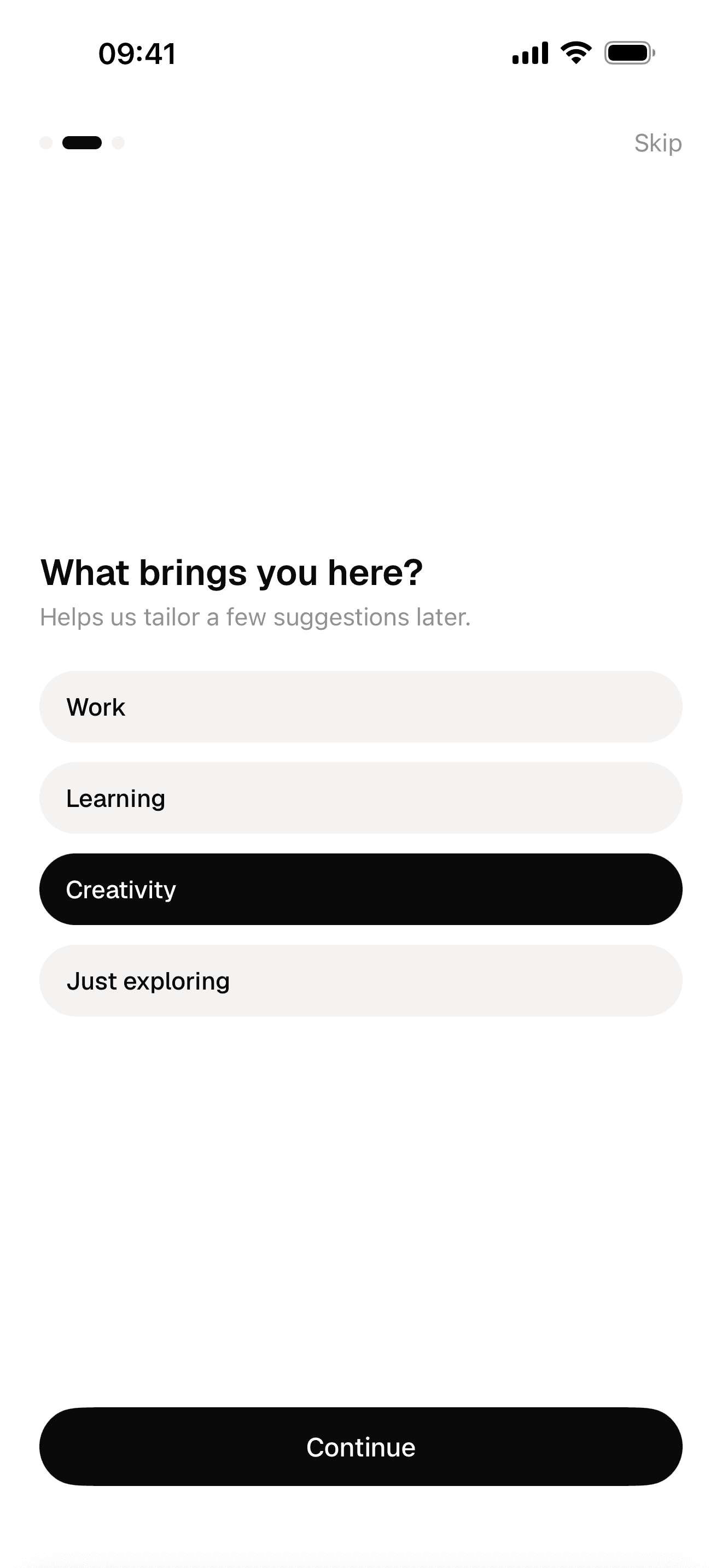
Onboarding
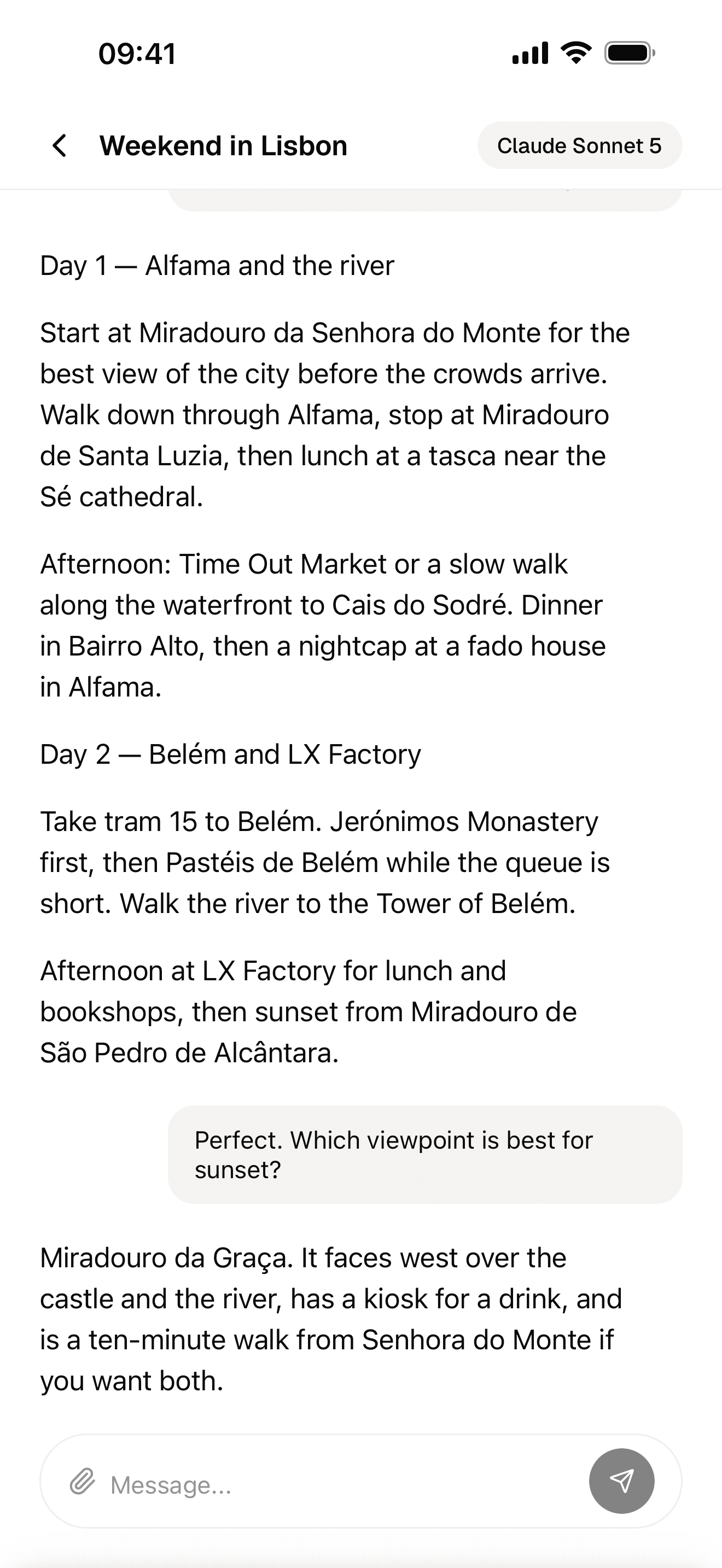
Streaming AI chat
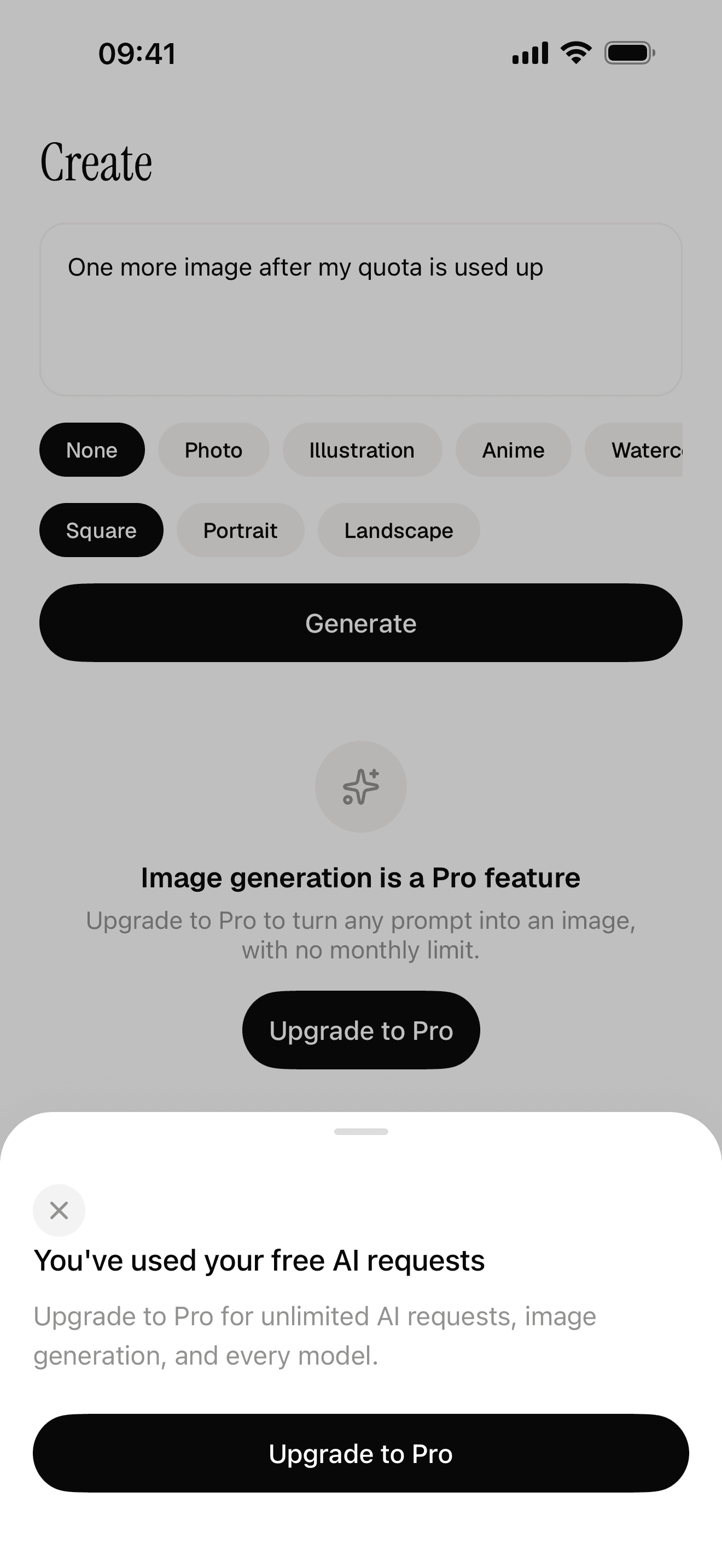
Free quota and a paywall the server decides
Platform details
Once you build for a specific store, each platform has its own setup, accounts and rules. Google's own path starts with a Kotlin "Hello World" codelab in Android Studio:
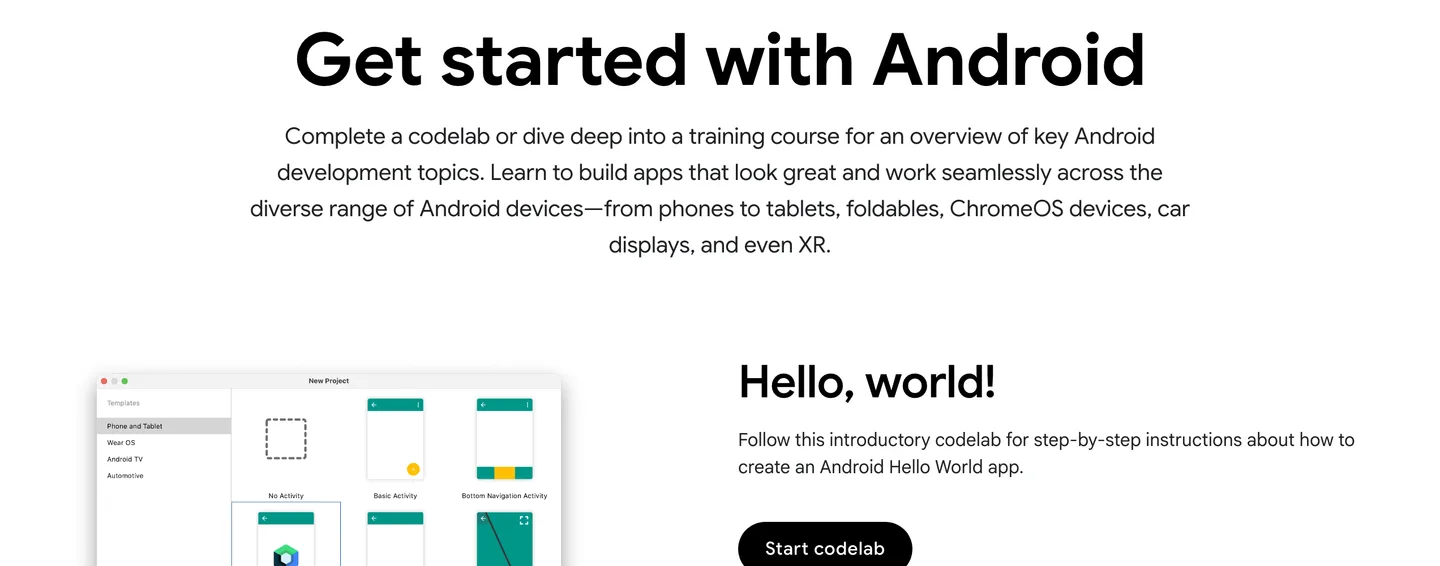
Google's starting point for native Android development. Source
That is the right path if you want to become an Android developer. If you want one app on both stores, React Native's own docs say that for a new app, "we recommend using a Framework", and point to Expo. Our platform guides cover each one step by step:
- How to make an iPhone app: Expo setup, development builds, TestFlight and Apple's sign-in rules.
- How to make an Android app: the Android side, from first build to Play Console.
- Expo or bare React Native: which React Native setup to start with.
Step 5: Test it with real users
Testing alone tells you whether the app works. Watching someone else use it tells you whether it makes sense. Those are different questions, and first-time makers only ask the first one.
You do not need many people. Jakob Nielsen's long-standing argument is that small rounds of about five users find most usability problems, and that several small rounds beat one big one. Hand the phone to someone, give them a task ("log your lunch"), and say nothing. Every time they hesitate, write it down.
Both stores have proper beta channels. Apple's TestFlight lets you invite testers before release (our iPhone guide covers the limits). Google is stricter with new developers: personal Play Console accounts created after November 13, 2023 must run a closed test with at least 12 testers opted in for at least 14 days before they can publish to production. Recruit those testers from your waitlist, early.
Step 6: Launch
A web app launches when you deploy it. A mobile app launches when Apple and Google approve it, which needs a store listing (screenshots, description, privacy policy, support URL), privacy answers, an age rating and a build that does not crash.
Two things to know before you get there. Your developer accounts and the review are yours: nobody can submit to the stores without your account. And the common rejections are predictable: crashes, placeholder text, no demo login for the reviewer, screenshots that do not match the app, and selling digital features outside in-app purchase.
We walk through the whole process, App Store and Google Play, screen by screen in how to publish an app on the App Store.
Launch day itself is quiet for most new apps. The store does not hand traffic to an unknown app; the people who arrive are the ones you bring. That is why the waitlist from step 2 matters.
Step 7: Make it earn
Decide how the app makes money before you build the paywall, not after. The main models are subscriptions, a one-time purchase, freemium with a paywall, credits, and ads. For most consumer apps built by one person, a subscription with a free tier or a trial is the common choice, and both stores require their own in-app purchase system for digital features.
Be realistic about the numbers. RevenueCat's State of Subscription Apps 2026 puts the median subscription app at about $72 a month in revenue one year after launch, and says only 4.6% of new apps reach $10,000 a month within two years. The apps that do well usually serve a specific niche and have a way to reach users that does not depend on the store.
InstaCal is one built on NativeExpress: a calorie tracker whose angle is that logging starts with a photo of the plate.

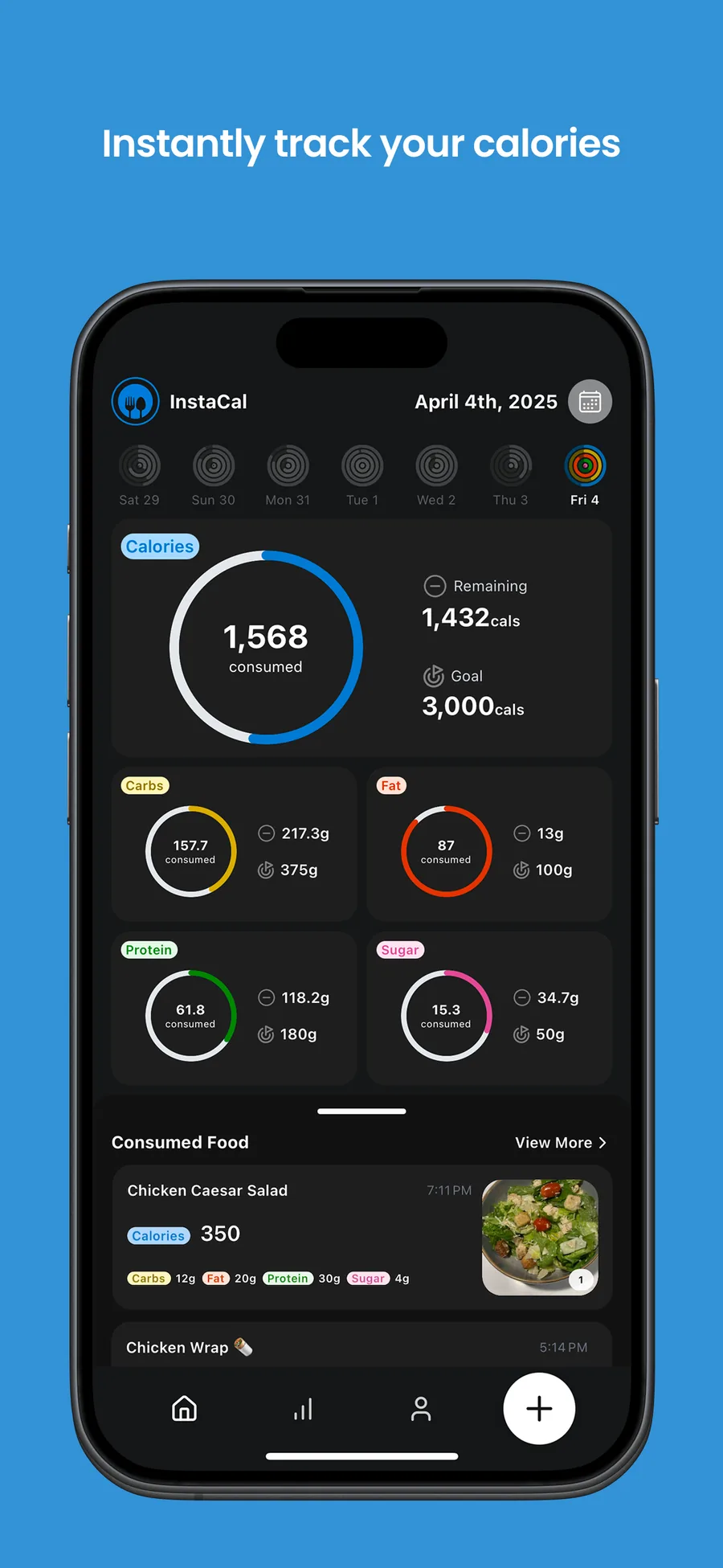
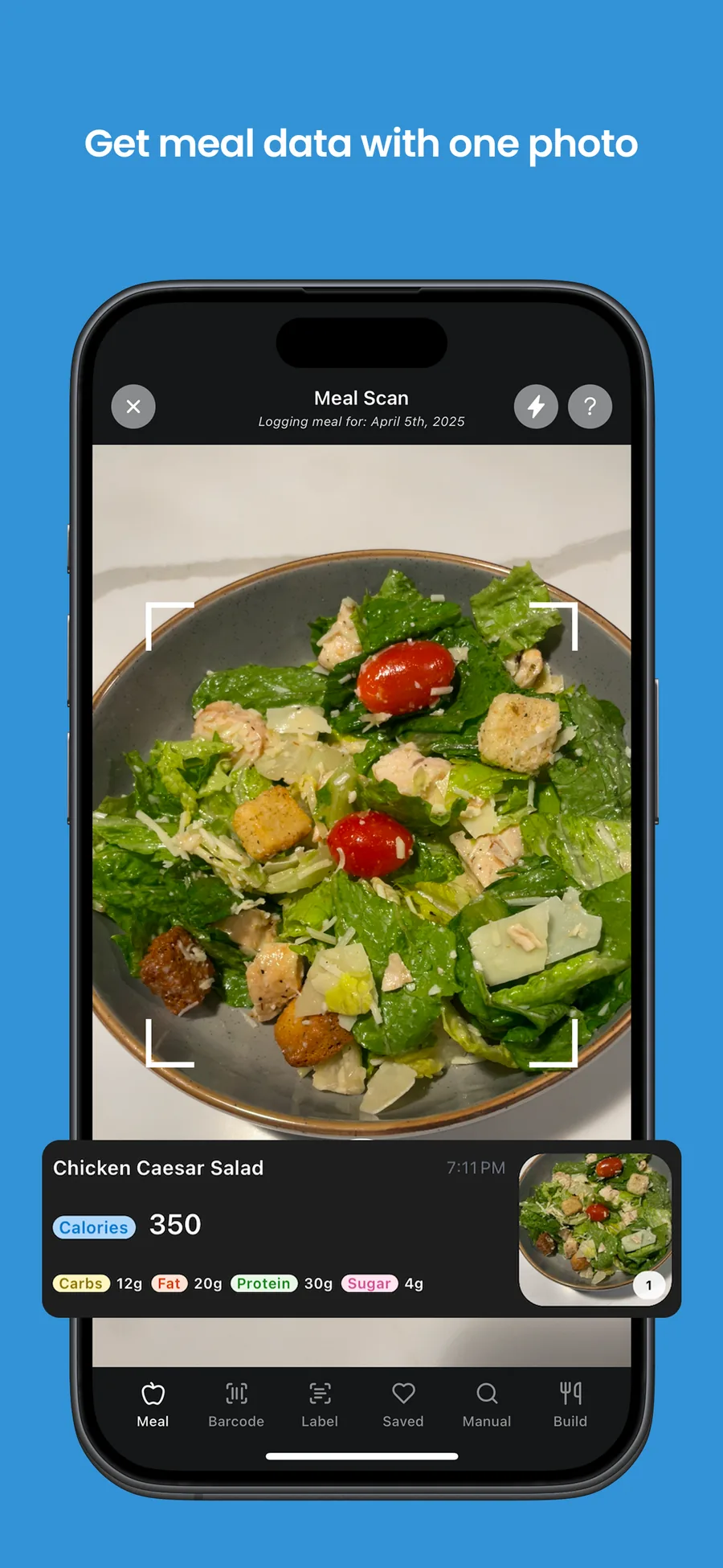
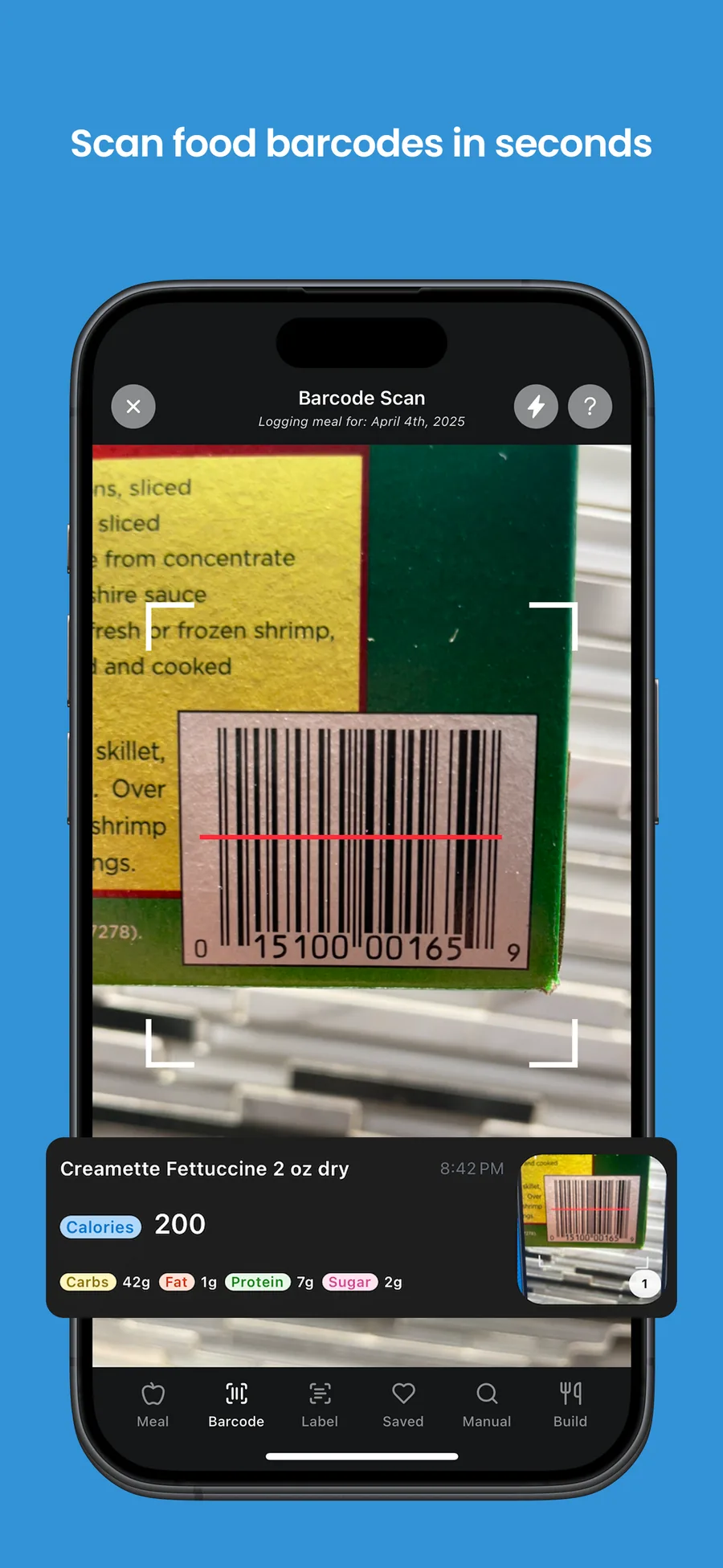
Pricing, store commissions and paywall design are covered in how to make money with an app.
For the first time, I felt like I was actually going to make it to the App Store with my idea.
 Ilya LibinShipped his first app
FAQ
Can I create an app for free?
You can build and test one for free. Coding agents and AI builders have free tiers, Expo's free plan includes 15 iOS and 15 Android builds a month, and most backends start free. Publishing a mobile app is where fees start: $99 a year for Apple and $25 once for Google Play. A web app can stay close to free if your host's free tier covers your traffic.
Do app owners make money?
Some do, most make little. RevenueCat's data shows the median subscription app earns about $72 a month a year after launch, while the top 10% earn over $2,500 a month. A specific niche, an audience you can reach before launch, and a paywall you keep testing are what separate the two. More in how to make money with an app.
How can I create my own AI app?
Most AI apps call a model through an API rather than training their own. Your app sends the user's input to your server, the server calls the model with a key that never ships inside the app, and the result streams back. Libraries like the Vercel AI SDK handle the streaming. Put a free usage limit and a paywall in front of it from day one, because every request costs you money.
I have an app idea, where do I start?
Write down who it is for and the one thing it does, then talk to five people who have the problem before you build anything. Check the existing apps in your category and read their bad reviews. If people still want it, put up a waitlist page, then build the smallest version that does the one thing well. Our app ideas guide has examples sized for a first build.
How do you build an app with no experience?
Pick a route that matches your goal: an AI app builder to prototype, or a coding agent on a starter project to ship something you own. Work in small steps, test every change on your phone, and paste real errors back to the agent. You will learn the tools as you go. People who came from web or backend work, with no mobile experience, have shipped apps this way on NativeExpress.
How long does it take to make an app?
For one person working evenings with a coding agent on a focused app, we would plan on one to three months from idea to store. A prototype in an AI builder can take an afternoon. An agency project typically takes much longer; Clutch puts the average at about 11 months.