
EXPO TEMPLATES
Expo templates, and where each one runs out.
Expo gives you an excellent blank project. The question is how much of the distance between blank and shipped a template should cover.
Start with the official Expo template
`npx create-expo-app` is the right first move for most projects, and it is free. You get Expo Router, TypeScript and a working iOS and Android build in under a minute. For an app with a handful of screens, that is the whole job.
It stops being enough at the point your app has to know who someone is, take their money, or keep their data apart from everyone else's. Nothing in the official template is wrong — it simply has no opinion about any of that, correctly, because those are product decisions.
What a production Expo template adds
This is what our Expo template ships running, on top of everything the official one gives you.
- Expo SDK 57, React Native 0.86, React 19.2
- Typed end to end, one convention per problem, and a single command that runs every check the project makes of itself.
- Sign-in that is finished, not sketched
- Supabase Auth with Google, Apple and email, and every screen that has to exist around it. Users sit in your own Supabase project from the first build.
- Payments wired before the first screen
- RevenueCat purchases and restore, a subscription screen, and paid access the server decides rather than the client.
- Three AI features already shipping
- Streaming chat with threads, image generation and a scanner, each independent, on Supabase Edge Functions with the Vercel AI SDK. Your provider key never leaves the server.
- Your Postgres, your rows
- Supabase Postgres with the initial migration written, row-level security on every record a user owns, and generated types so a wrong column fails at compile time.
- One seed colour, a whole theme
- Uniwind brings Tailwind CSS v4 to React Native, compiled by Metro. Light and dark are generated from a seed.
- Instructions written for your coding agent
- Skills ship with the clone and describe the code in that release, so your agent reads where things go before it writes a line.
- A route to both stores
- EAS build profiles, screenshots generated from a Maestro flow, and release checklists that say what to prepare.
The template, running on a device
Light and dark are generated from one seed colour, so a brand change reaches every screen.
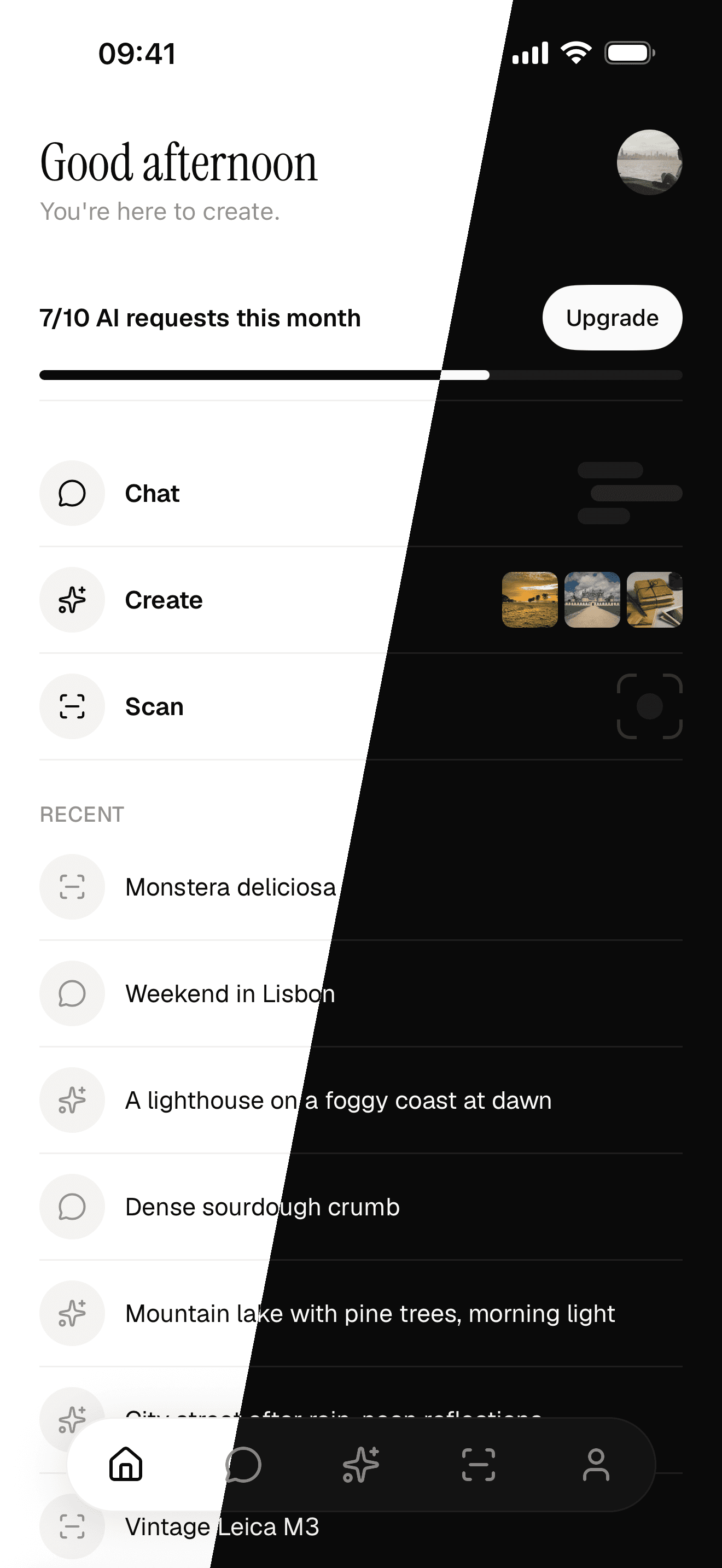
One seed colour, light and dark
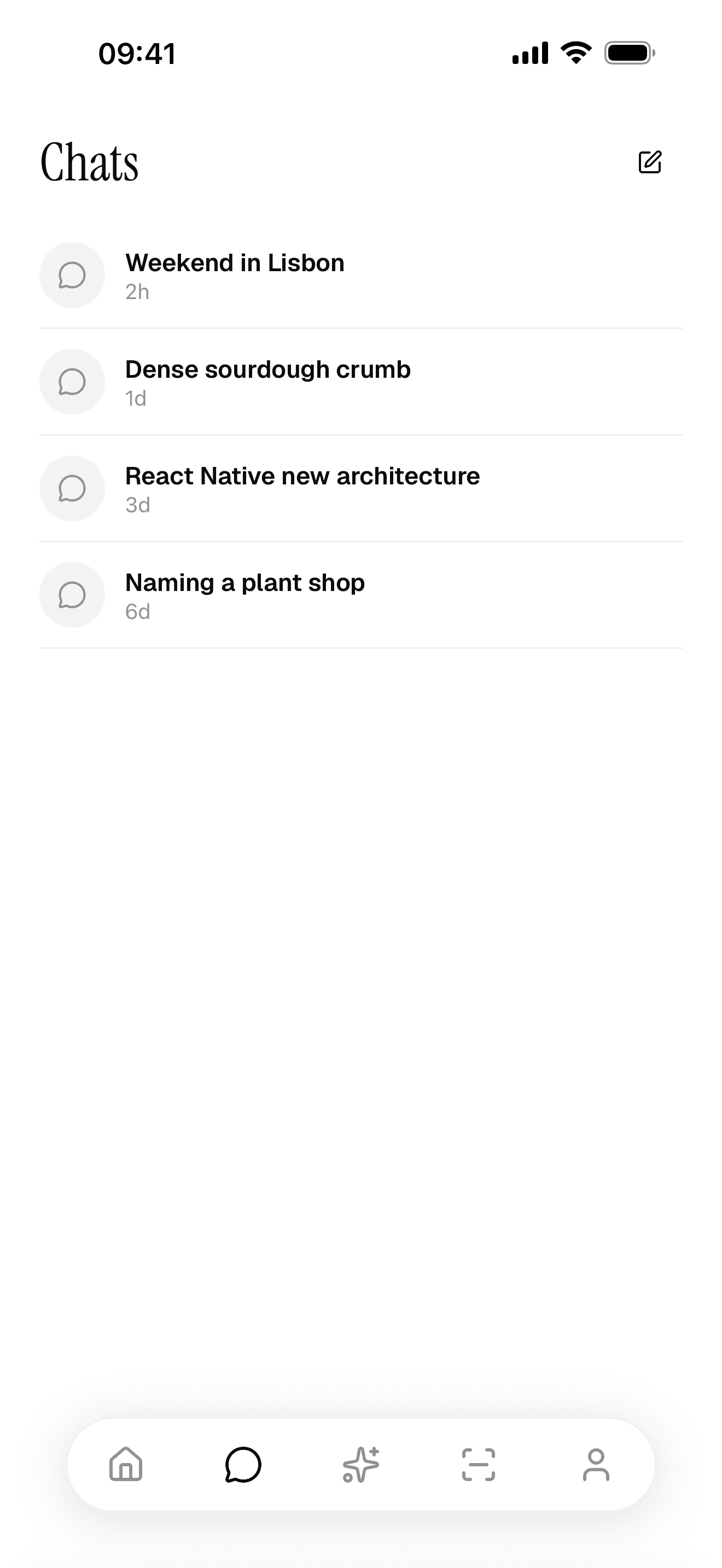
A feature surface, not a placeholder
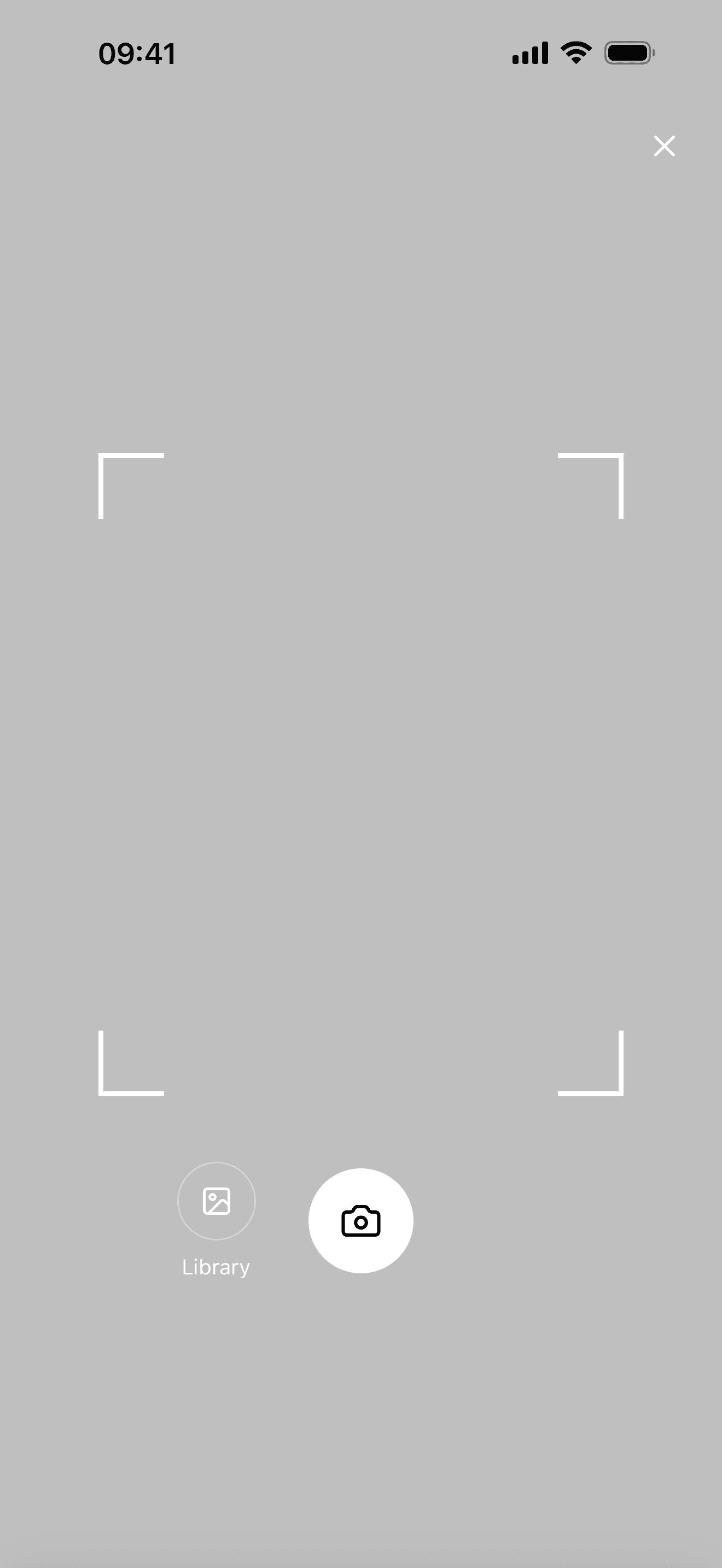
The scanner, on real hardware
Choosing between Expo templates
| Your project | The template to use |
|---|---|
| A prototype, or a few static screens | create-expo-app, blank |
| Conventions and structure, auth wired by you | A free community Expo starter |
| Accounts, subscriptions and a database on day one | A production Expo template like this one |
| Client projects, repeatedly, under your own brand | The same, on a licence that permits client work |
Skip the fortnight of wiring.
Clone it, run it on a device, and start on the part that is yours.