
Can Lovable Make Mobile Apps? How to Get a Real Native App

No, not native ones. Lovable builds web apps. Its own docs say it plainly: it does not generate React Native projects, and publishing always deploys to a web URL. You can make that web app installable as a PWA, wrap it in a native shell like Capacitor, or rebuild the screens in React Native and keep your backend.
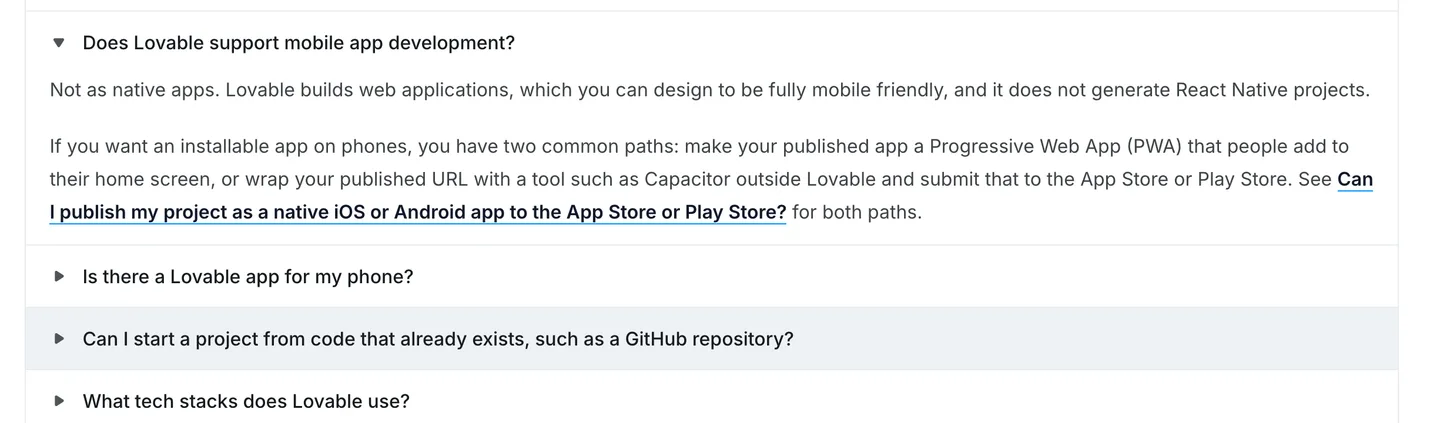
Lovable's own FAQ, as of October 2026. Source
That is the honest answer as of October 2026. The rest of this post is about which of those three routes fits your app, what each one costs you, and how to do the third one with a coding agent if you decide you want a real app in the App Store.
What Lovable builds today
There is a lot of stale information on this, so here is what Lovable's documentation says right now.
New Lovable apps created from May 13, 2026 use TanStack Start, a React framework that renders pages on the server. Older projects use React with Vite and render in the browser. The backend is a Postgres database through Lovable's built-in backend (Cloud), which is built on Supabase's open-source foundation, or through your own Supabase project. You don't get a choice of framework.
On mobile specifically, the publish docs say there is no built-in flow that packages your project and submits it to the App Store or Google Play. They suggest two paths: a Progressive Web App, or a Capacitor wrapper you set up outside Lovable. And they add one more line that is worth reading twice: if you need a React Native app, use Lovable to prototype the screens and flows in the browser, "then rebuild them with React Native outside of Lovable."
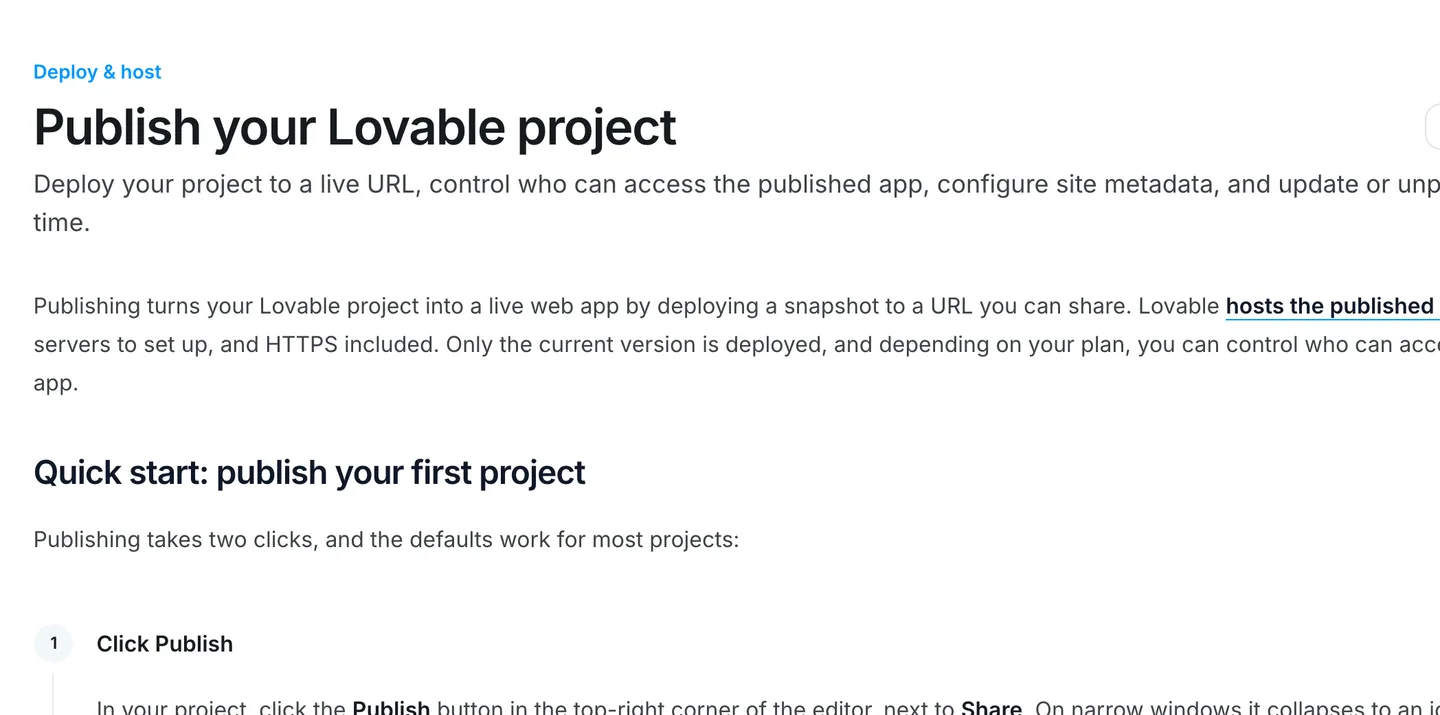
Lovable's publish docs: publishing means a live web URL, not a store build. Source
Does Lovable have an iOS app?
Yes, and this is where a lot of the confusion comes from. Lovable shipped apps for iOS and Android in 2026. They let you prompt, review and manage your projects from your phone. They do not turn your project into an app other people install. The Lovable mobile app is a tool for building, not an output format.
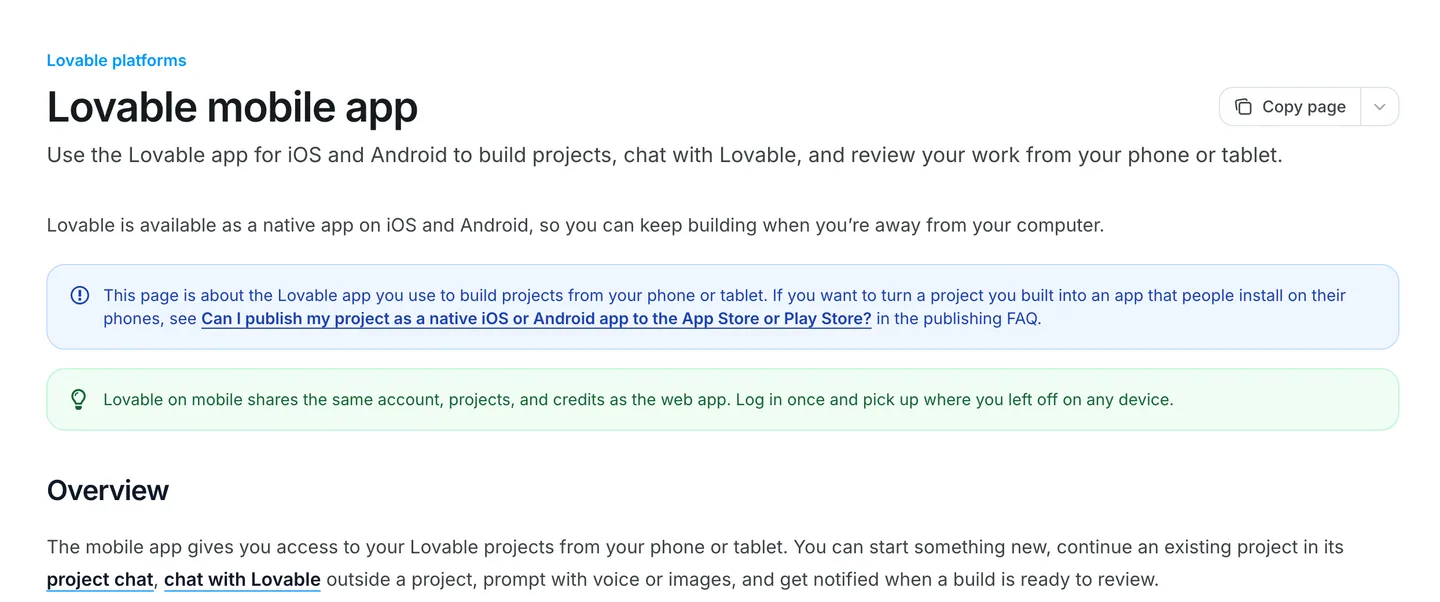
Lovable's mobile app is for building from your phone. It does not turn your project into an installable app. Source
What Lovable is genuinely good at
Before the routes, credit where it is due. Lovable is one of the fastest ways we know to get from an idea to something a person can click through.
It is good at:
- Validating an idea. You can have a working version in front of real users in an afternoon and find out whether anyone wants it before you spend a month on it.
- Web products that live in a browser. Dashboards, internal tools, booking pages, B2B software, anything people use at a desk. A native app would add nothing here.
- Designing your flows. The screens you iterate on in Lovable are a spec. When you later build a native version, you are not starting from a blank page.
- The backend. Auth, tables, row-level security and storage on Supabase, set up for you. This part carries over to a native app almost untouched, which matters a lot in the third route below.
The question is never "is Lovable good". It is whether your product needs to be a phone app at all, and if it does, how close to native it has to be.
Can Lovable make mobile apps for the App Store? Three routes
Here are the three ways to get a Lovable project onto phones, from least to most work.
Route 1: Make it a PWA
A Progressive Web App is your website with a manifest and a service worker, so people can add it to their home screen and it opens full screen without the browser bar. Lovable's docs call this the fastest path.
On iOS, it is more capable than it used to be. Since iOS 16.4, a web app added to the home screen can ask for push notification permission, as long as the request comes from a tap on a button.
What a PWA cannot do:
- Be in the App Store. Nobody finds you by searching the store. Users have to visit your site in Safari and use Share, then Add to Home Screen, which most people have never done.
- Use in-app purchase. Apple's subscriptions and StoreKit are for native apps. You charge on the web instead, which is fine, but it is a web business.
- Reach the full device. Background tasks, widgets, deep integration with HealthKit and similar native APIs are out of reach.
- Get push without installation. Push on iOS only works after the user has added the app to the home screen.
If your users already come from a link, a newsletter or a QR code, a PWA can be enough. If you want the store as a distribution channel, it is not.
Route 2: Wrap it in a native shell
A wrapper puts your web app inside a native iOS and Android app that shows it in a web view. You get a real binary you can submit to both stores.
The main options:
- Capacitor, the open-source runtime from Ionic. It bundles your built web assets into native projects and gives you plugins for camera, push, biometrics and so on. Free, but you own Xcode, Android Studio, signing and every release. This is the one Lovable's docs name.
- Hosted converters such as Median, which take your URL and generate the native apps for you, with paid plugins for native features. Less setup, ongoing fees, and less control.
Two things to know before you pick this route.
First, the lazy version, a shell that just loads your live URL, is what Capacitor's own config reference warns against. Its option for loading an external URL is "not intended for use in production". The proper Capacitor setup ships your built files inside the app. That is straightforward for an older React + Vite project and takes more work for a newer server-rendered TanStack Start app.
Second, Apple reviews the result.
Wrappers work. Plenty of shipped apps are wrappers. But the more native features you add to get past review, the closer you get to maintaining a native app anyway, just with a web view in the middle.
Route 3: Rebuild the app in React Native, keep the backend
This is the route Lovable's docs point to for a real native app. You write the screens again in React Native with Expo, and you keep everything behind them.
That sounds like starting over. It mostly isn't, for one reason: your Lovable app almost certainly runs on Supabase, and Supabase has a first-class React Native client and Expo guide. Same database, same tables, same row-level security policies, same users. The native app is a new client for a backend you already have.
What gets rewritten is the UI. React Native uses View and Text instead of div and p, and its own navigation. If you know React, the mental model is the same, and a coding agent does most of the translation. For a deeper look at the framework choice, see Expo or bare React Native.
As a web developer building my first app, this boilerplate made my life so much easier.
 Andrei HudovichIndie Maker
Side by side
| PWA | Wrapper (Capacitor, Median) | Native rebuild (Expo) | |
|---|---|---|---|
| Effort | Hours | Days to weeks | Weeks |
| Extra cost | None | Free (Capacitor) or a paid plan | Store fees, plus your time or a starter kit |
| In the App Store | No | Yes | Yes |
| Review risk | None (not reviewed) | Real, under guideline 4.2 | Normal |
| Push notifications | iOS 16.4+, after install | Via plugins | Yes |
| In-app purchase | No | Via plugins | Yes |
| Camera | Basic, through the browser | Via plugins | Full |
| Offline | Limited, via service worker | Depends on setup | Yes |
| Feels native | No | Close, if done well | Yes |
Publishing in either store needs an Apple Developer account and a Google Play developer account whichever of routes 2 and 3 you pick. Our guide on how to publish an app on the App Store walks through the review side.
How to convert a Lovable app to a native mobile app with a coding agent
Here is the native route step by step, for a Lovable project on Supabase. You will use a coding agent like Claude Code, Cursor or Codex for most of the writing. Your job is to make decisions, sign in to services and test on your phone.
1. Get your code and your backend where you can reach them
Connect your Lovable project to GitHub with Git sync, so your agent can read the existing code. You are not going to copy it, but it is the best spec you have.
Then check your backend. If the project uses your own Supabase project, you are done: the native app will talk to the same project. If it uses Lovable's built-in Cloud, Lovable documents how to export your Cloud database and restore it into your own Supabase project, and the export keeps your users' password hashes so they can still sign in. Storage files, edge function code and secrets move separately. Having the backend in a Supabase project you control makes everything after this easier.
2. Start the native app from a working base
You can run npx create-expo-app and build everything from scratch. The screens are the quick part. The slow part is everything around them: Apple and Google sign-in, session handling, subscriptions, push, store builds. None of it is hard individually, and all of it together is weeks.
This is where a starter kit saves the most time. NativeExpress is a React Native + Expo app that already runs on Supabase: Supabase Auth with Google, Apple and email, Postgres with row-level security, edge functions and storage. That is the same backend family your Lovable app uses, so pointing it at your existing Supabase project is a configuration step, not a migration.
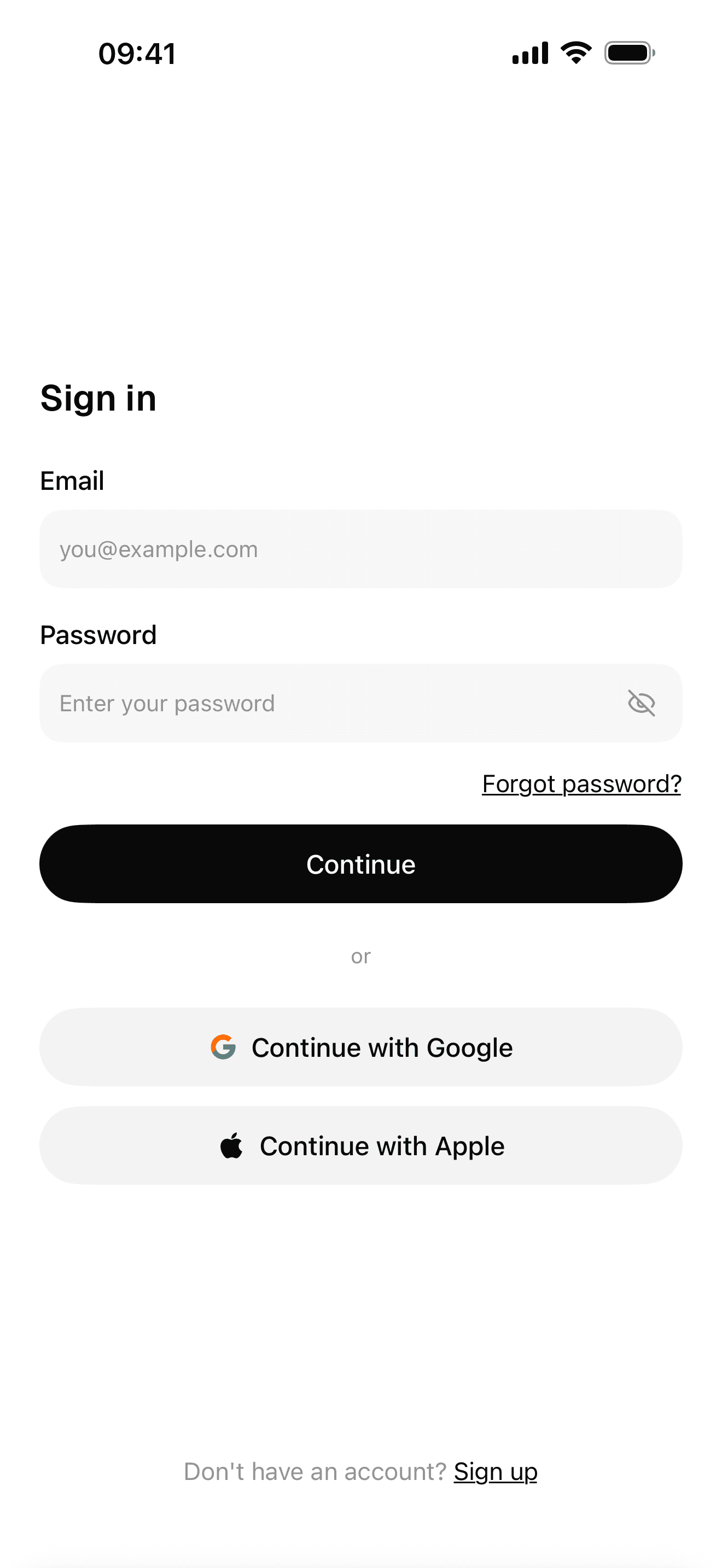
Sign-in with Google, Apple and email
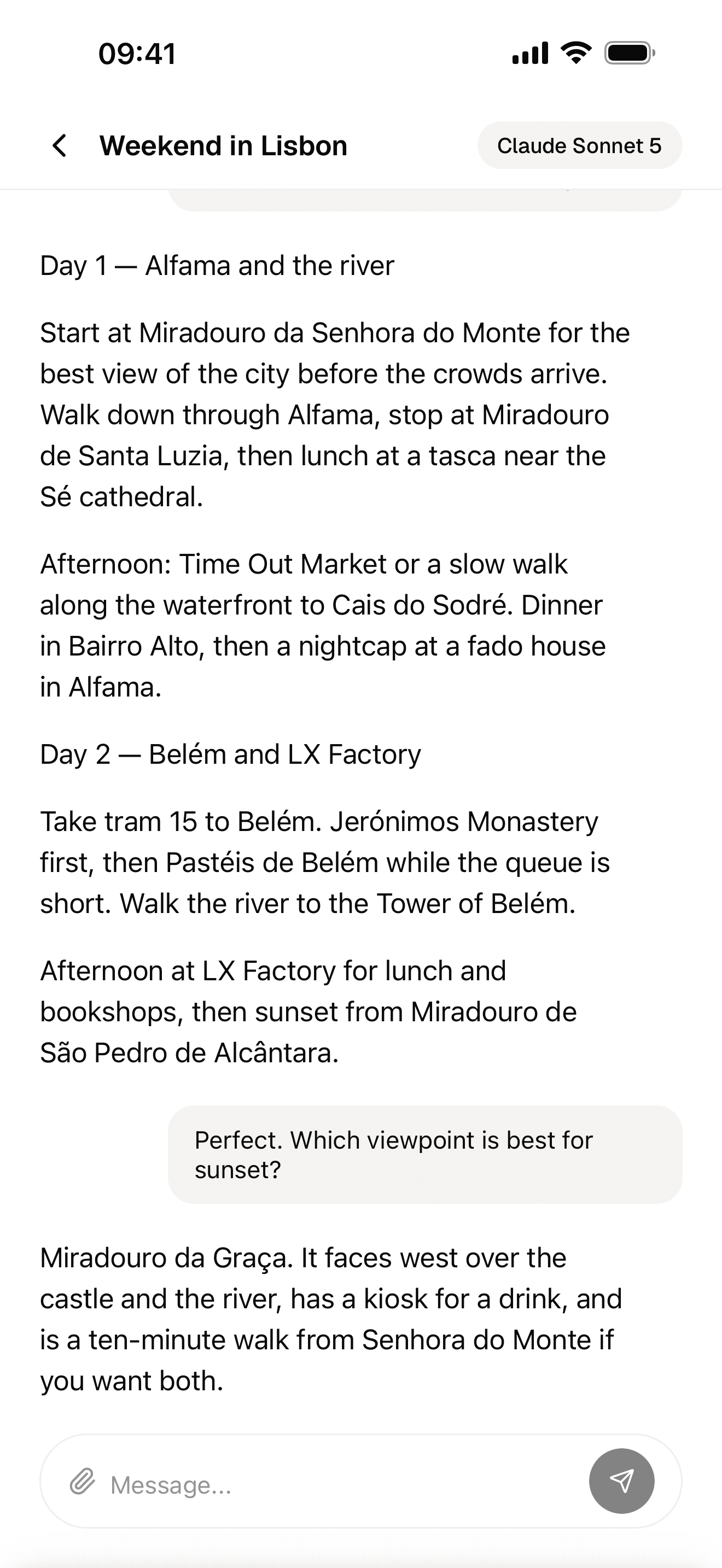
Streaming AI chat
The AI scanner
3. Recreate your screens
Give your agent one Lovable page at a time and ask it to build the native equivalent. Screenshots help. A prompt that works:
Here is the Lovable page src/routes/dashboard.tsx and a screenshot.
Build the same screen as a native Expo Router screen in this project.
Use the existing components and theme. Read the data from the same
Supabase tables. Don't copy web-only code like div, CSS or window.
Do the screens your users touch every day first. Settings pages and admin views can wait, and some of them are better left on the web.
4. Move the business logic to the server side
Look at where your app's logic lives. Database rules and Supabase edge functions carry over as they are. But if your newer Lovable app keeps logic in its own TanStack Start server code, a native app cannot call that directly. Move it into Supabase Edge Functions or database functions so both the web app and the native app share it.
Pure TypeScript helpers (formatting, validation with Zod, calculations) can usually be copied across unchanged.
5. Replace web checkout with in-app purchase
This is the step people miss. If your Lovable app charges through Stripe or Paddle, that works on the web, but Apple's guideline 3.1.1 says that if you unlock features or content inside an iOS app, "you must use in-app purchase".
There is a US exception worth knowing: as of the guidelines last updated June 8, 2026, apps on the United States storefront may include buttons and links to outside purchase methods. Everywhere else, the external-link rules are much stricter. On Android, Google opened alternative billing and web links in the US, EEA and UK from June 30, 2026, but its service fee still applies whichever way you bill. These rules have moved every year lately, so check the current versions before you launch.
The practical answer for most first apps is to offer native in-app purchase on both stores through RevenueCat, which handles the App Store and Google Play in one SDK and is free up to $2,500 in monthly tracked revenue. Keep Stripe for your web customers. NativeExpress ships RevenueCat purchases, restore, a subscription screen and entitlements checked on the server, so this step is mostly creating your products in the stores. Our guide on how to make money with an app covers pricing and paywalls.
6. Build, test on your phone, submit
Use EAS Build to produce iOS and Android builds without owning a Mac, install them on your phone, and go through every screen. Then submit. Store accounts and App Review are yours, and so is the listing. Expect the first submission to come back with questions; that is normal.
When to stay on the web
Not every Lovable app should become a phone app. Stay on the web if:
- People use it at a desk. B2B tools, dashboards and admin panels are better in a browser.
- You are still finding out if anyone wants it. Ship the Lovable version, get users, and build native when they ask for it. A PWA is a fine middle step.
- Your traffic comes from links. If users arrive from search, ads or email, a website converts better than "go download an app".
- You want to avoid store fees on payments. Selling on the web through Stripe or Paddle keeps you out of Apple's and Google's commission entirely.
Go native when the phone is the point: something people open several times a day, that uses the camera, sends reminders, works offline or wants to be found in the App Store. If you are unsure which tool to use for that, our roundup of the best mobile app builders compares them, and how much it costs to make an app puts numbers on each route.
FAQ
Can Lovable design a mobile app?
It can design a mobile-friendly web app, and that is genuinely useful as a prototype. Lovable's own docs suggest using it to prototype screens and flows, then rebuilding them in React Native for a native app. The designs and the Supabase backend carry over; the code for the screens does not.
Can Lovable build App Store apps?
Not directly. Lovable has no built-in flow to package or submit to the App Store or Google Play. You can wrap the web app with Capacitor or a service like Median and submit that, keeping Apple's guideline 4.2 in mind, or rebuild it as a native React Native app.
How to turn a Lovable app into a mobile app?
Pick one of three routes: make it a PWA people add to their home screen, wrap it in a native shell with Capacitor or Median, or rebuild the screens in React Native with Expo while keeping your Supabase backend. The PWA is fastest, the native rebuild gives you the best app and the lowest review risk.
Can you build a full app with Lovable?
Yes, a full web app: frontend, database, sign-in, storage, payments and AI features, published to a URL. Many people run real businesses on Lovable apps. What it does not produce is a native iOS or Android binary.
Does Lovable have an iOS app?
Yes. Lovable has apps for iOS and Android that let you build and manage projects from your phone, with the same account and credits as the web version. They do not convert your project into a native app for your users.
Is Lovable free?
There is a Free plan that lets you build and publish without paying, with 5 daily build credits up to 30 a month, according to Lovable's FAQ. Paid plans are priced by credits, and Pro starts at $25 a month for 100 credits as of October 2026.